Product Photography in 2026: The Operator's Guide
Kirti Poonia
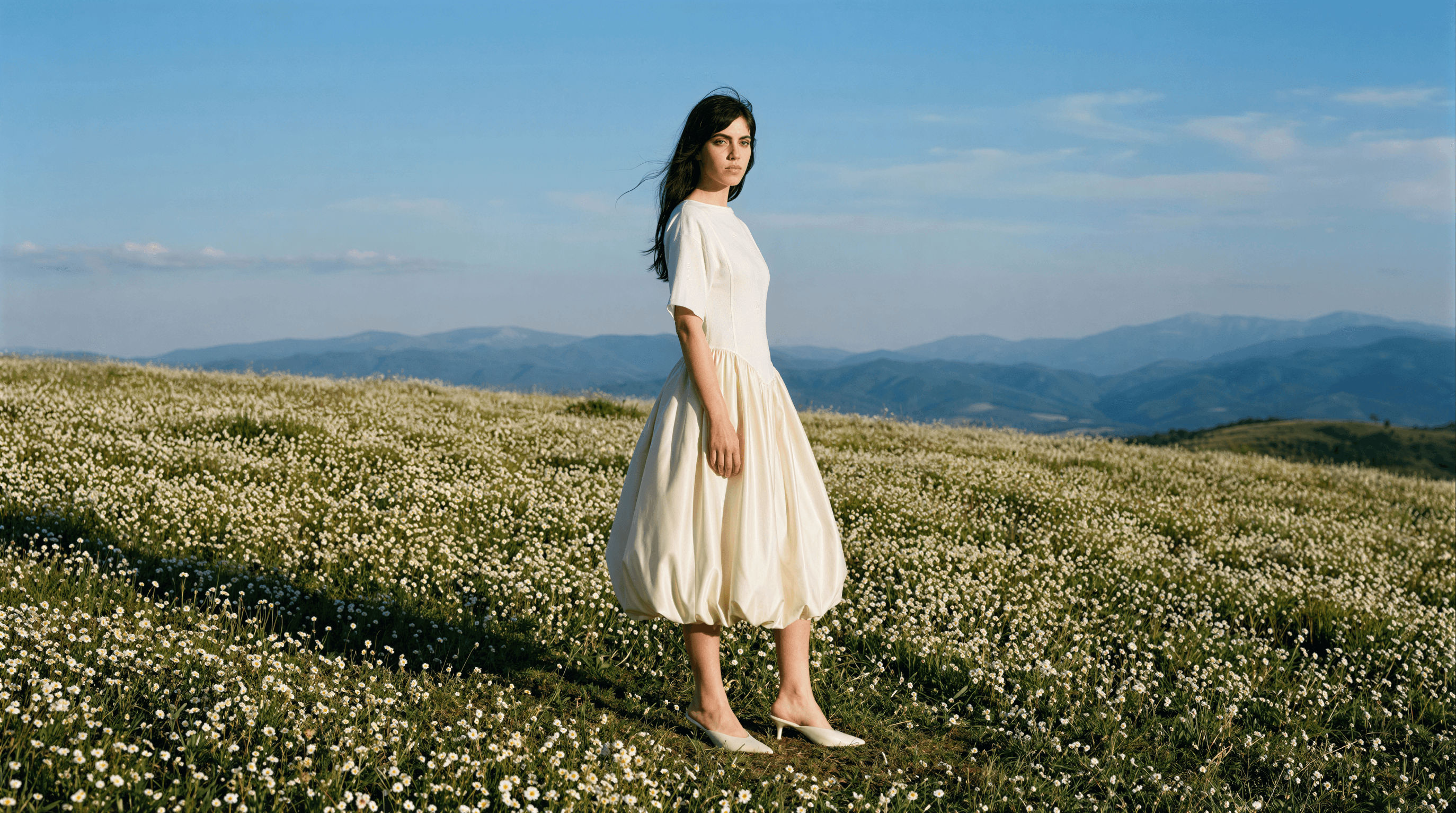
Product photography in 2026 is a hybrid discipline. Studio shoots still own hero campaigns and editorial moments. AI now owns the catalog, the variants, the repurposing, and the speed. The brands actually winning, H&M, Puma, Steve Madden, Bestseller, stopped choosing between studio and AI and started layering them. This guide is how the economics, workflow, and legal landscape actually work this year, and how to build a program that keeps your PDPs converting without lighting $8,000 on fire every time you drop a SKU.
A quick story. Last month, a DTC founder named Priya emailed us two days before her spring drop. She’d booked a one-day studio shoot for 24 new SKUs. Rate card: ₹2 lakh. She got 18 usable images back, three weeks late, and needed another half-day reshoot for the accessories she’d added mid-sprint. Her campaign went live five days after her drop calendar said it should. That’s not a photography problem. That’s a 2019 workflow colliding with a 2026 drop cadence. It’s the single most common pattern we see, and it’s the exact problem this guide solves.
Key Takeaways
Studio day rates ($3K–$8K in the US, ₹1.5–2 lakh in India) haven’t fallen since 2019. AI per-image cost has. The spread is now 99.3%.
Brands like H&M, Puma, and Steve Madden run hybrid: studio for hero and brand moments, AI for catalog, variants, and social.
The 2026 question isn’t AI vs. studio. It’s which 70% of your shots to move to AI so you can afford the 30% that still need a real set.
A flatlay to 50 on-model shots in under 10 minutes is now table stakes. So is brand-safe output that doesn’t look like generic AI slop.
New AI disclosure laws (NY effective April 2026, EU AI Act) change what you’re legally required to say on your PDP. Budget for it now, not later
What Product Photography Actually Is, and Why PDPs Live or Die by It
Product photography is the visual representation of a product made for commerce. Its one job is to help a buyer decide. Every other job, brand storytelling, editorial polish, lifestyle mood, is secondary to that. If the buyer can’t tell what the product looks like, what size it is, what it looks like on, and what it looks like next to things they own, the rest is decoration.
There are seven formats that carry almost all commercial product photography work. Know them by name, because the rest of this guide assumes them:
Flatlay. Product shot from directly above on a clean surface. Fastest to produce. Your apparel team already has 40 of these.
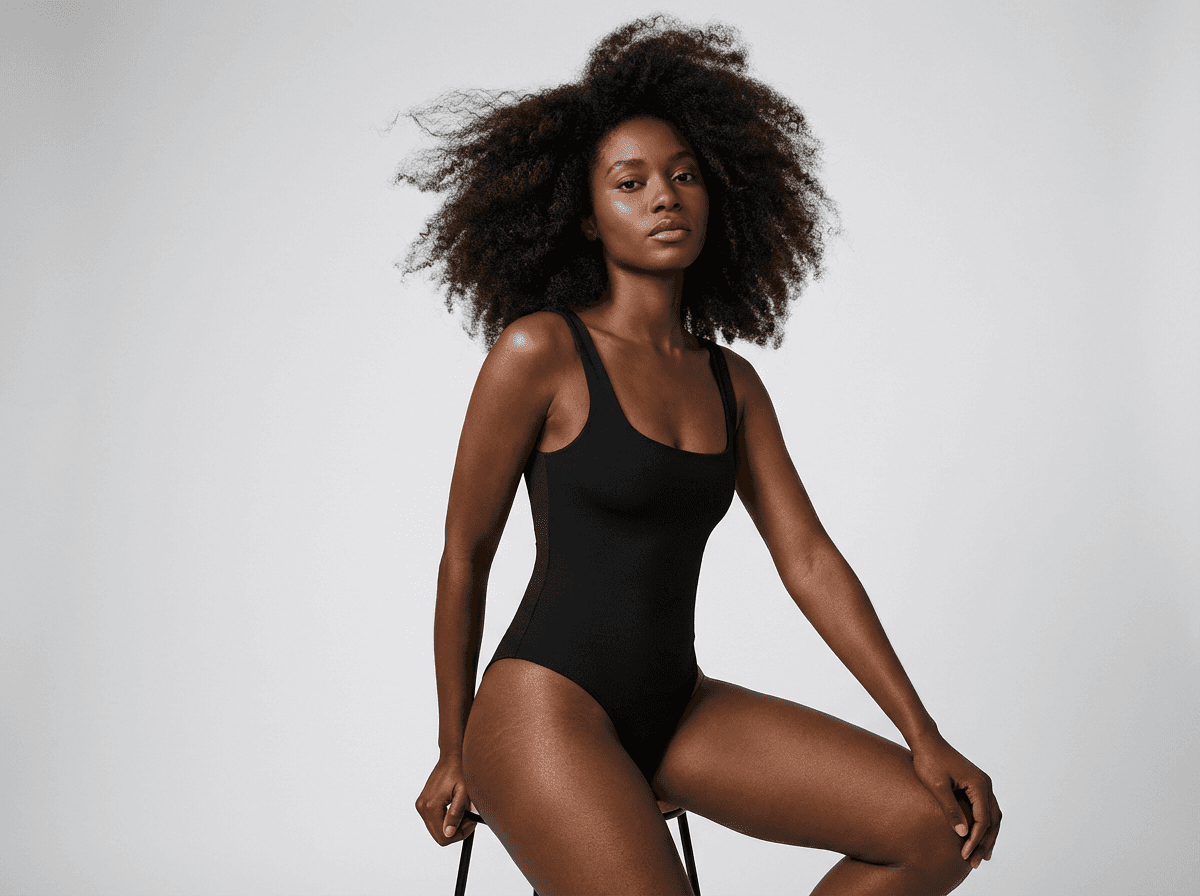
On-model (catalog). Product worn or used by a model against a neutral background. The workhorse of an e-commerce PDP.
Lifestyle. Product in context, often outdoors or in a styled interior. Used for social, email, and top-of-funnel ads.
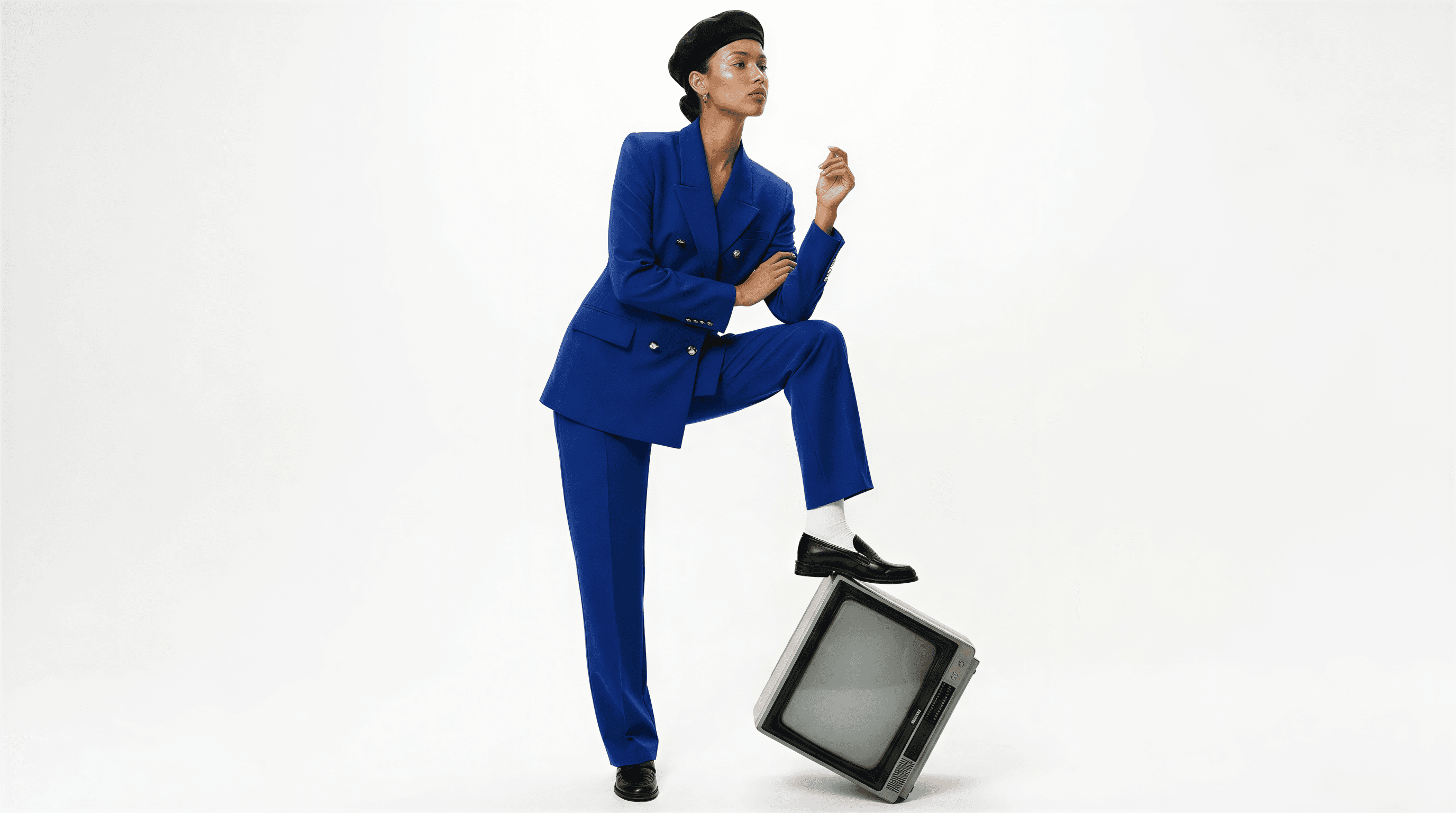
Editorial. Model and product in an art-directed scene with mood, wardrobe, and narrative. Used for campaigns and brand moments.
Ghost mannequin (360 / spin). Product shown as if worn, without a visible model. Clean, consistent, ideal for catalog at scale.
Macro / detail. Close-up of texture, stitching, hardware, ingredients. Trust-builders for considered purchases.
Group / scale. Two or more products together, or product against a scale reference. Common for beauty kits and accessories.
Why this matters commercially: Baymard Institute’s research on PDP design consistently finds that imagery is the single largest driver of conversion on product pages, more than copy, more than reviews, more than price. When Caimera-using brands A/B test AI-generated catalog imagery against their previous studio catalog, we see a 50% average lift in click-through rate on PDPs and a 7.3x lift in sales on featured-product placements. The imagery isn’t a cost center. It’s the conversion engine. (See what that actually looks like with Flatlay to Catalog →)
The 2026 Economics: Studio, AI, and Hybrid
Here’s the math that decides the rest of the decision. Studio day rates in 2026 look roughly like this:
Line item | US (mid-market studio) | India (Mumbai/Delhi) |
|---|---|---|
Studio space rental | $500–$1,500/day | ₹25K–₹60K/day |
Photographer + assistant | $1,500–$4,000/day | ₹40K–₹1L/day |
Model(s) | $500–$2,000 per model/day | ₹20K–₹60K per model/day |
Hair, makeup, stylist | $600–$1,500/day | ₹30K–₹60K/day |
Equipment, props, backdrops | $200–$800/day | ₹10K–₹30K/day |
Post-production (retouching, 24 images) | $500–$1,500 | ₹20K–₹50K |
Total, one usable day | $3,800–$11,300 | ₹1.45L–₹3.6L |
That’s for one day, which typically yields 20–35 final approved images. Per-image cost lands between $150 and $500 in the US, ₹5,000–₹15,000 in India, once you count edits and rejects.
AI product photography in 2026 looks different. On Caimera, a catalog image costs roughly $0.02–$2.00 per generated asset depending on complexity, on-model output, and upscale. An editorial image with full scene composition runs a few credits. A subscription that replaces five studio days a month sits at $45/user (Starter) or $117/user (Pro). That’s the 99.3% lower cost per image we talk about. It’s not marketing math, it’s what the spreadsheet shows when you run a real month.
But cost is the smallest part of the story. The bigger shift is time. A studio shoot, end-to-end, runs three to six weeks from brief to approved assets. Most brands discover this mid-launch. An AI catalog run, flatlay upload, 50 on-model images, revisions, upscale, finishes in under an hour. That compresses the entire drop calendar. Tuesday’s product can ship Tuesday’s PDP.
So when should you still book a studio? When you’re producing brand-defining imagery. A seasonal campaign that carries the quarter. A founder portrait for a brand story. A hero editorial that represents the label. For that 30% of work, the gap between a great photographer and a great AI output is still real. Book the studio, pay the rate, and make it count.
For the other 70%,
catalog, variants, lifestyle repeats, ad creative, social, AI is now the honest answer. Not the cheap answer. The right one.
Ready to see the math on your own shoot? Start with 50 free Caimera credits, enough to generate a full catalog run from one of your flatlays and put the cost-per-image question to rest.
How to Plan a Product Photography Workflow Around Your Drop Calendar
Most brands don’t have a photography problem. They have a sequencing problem. The shoot gets scheduled after the product is finalized, the launch date is set, and the ad budget is allocated, which means the timeline is already broken.
Here’s the workflow we see at the brands keeping up with weekly drops:
Monday, shot list and flatlay. Before anyone picks up a camera or prompts an AI, the shot list is locked. Every SKU has a line: how many images, which formats, which model archetype, what background, what channel it’s cut for. Flatlay captures happen in-warehouse with a phone on a copy stand, five minutes per product.
Tuesday, catalog generation. Flatlays feed into an AI pipeline (or a studio brief, for the 30% of SKUs that still need one). On-model catalog, ghost mannequin, and macro shots come back in parallel. Team reviews in a shared workspace, flags revisions, and the tool iterates with no per-edit cost.
Wednesday, editorial and social cut-downs. The approved catalog images feed the editorial layer. Backgrounds swapped, models restyled for different markets, videos stitched from stills. The same library is now powering catalog, paid ads, email, Instagram, TikTok, and Pinterest, without a single reshoot.
Thursday, campaign live. Shopify sees new PDPs. Meta sees new creatives. TikTok sees new videos. Email goes out with a hero image that wasn’t a hero image yesterday.
The trick isn’t faster photography. It’s photography that’s decoupled from the shoot calendar. Caimera’s Click feature does most of the cross-channel work, one catalog asset, every background and model it needs to be, and Move turns five stills into a ready-to-post video with no editor in the loop. The goal is that the shot list is the bottleneck, not the studio booking.
Studio Product Photography: When It’s Still the Right Call
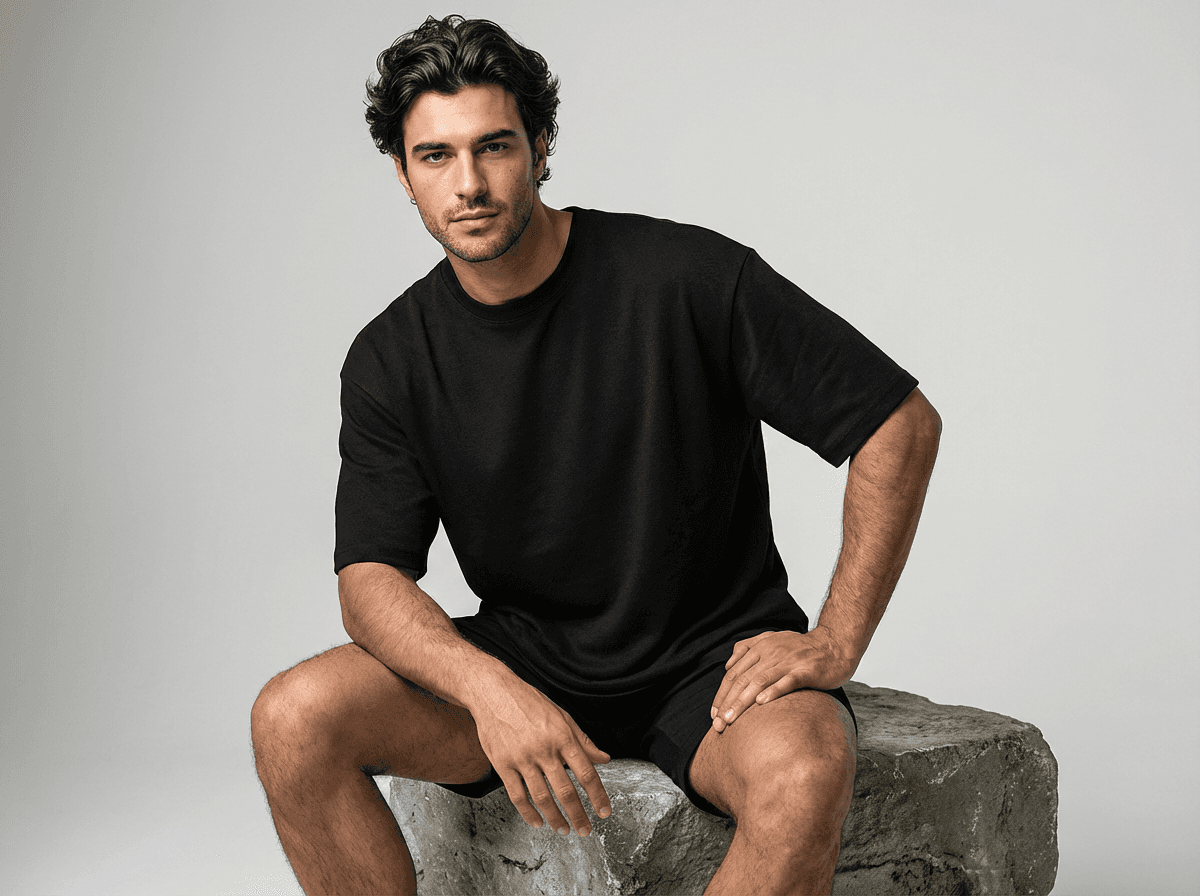
Don’t read this guide as anti-studio. Studio product photography still earns its place when the goal is emotional, editorial, or brand-defining. A few honest rules of thumb.
Book a studio when:
You’re shooting the campaign that represents a full season, not a single SKU.
The product genuinely requires physical interaction, fabric movement, liquid pour, product-in-use texture that AI can’t yet nail.
The talent matters as much as the product. A founder portrait, a celebrity partnership, a named model the brand is anchored to.
Legal or regulatory scrutiny will look at the asset, and documented provenance of a real shoot is part of the evidence.
Skip the studio when:
You’re producing catalog for a drop that goes live in the same week.
You need 80 variants of the same product for A/B testing.
The output is for social cut-downs that will live 48 hours.
You’ve already shot the hero campaign and need the same garment in a new context, different background, different market, different model.
If you are booking a studio, brief like an operator, not a client. Send a tight shot list, not a mood board. Send real reference imagery, not Pinterest. Specify usage rights in the contract, including the number of years the brand can use the imagery, the channels, and whether the model release covers paid social. Usage disputes eat more studio budget than shoot days do.
AI Product Photography: What Changed in 2026
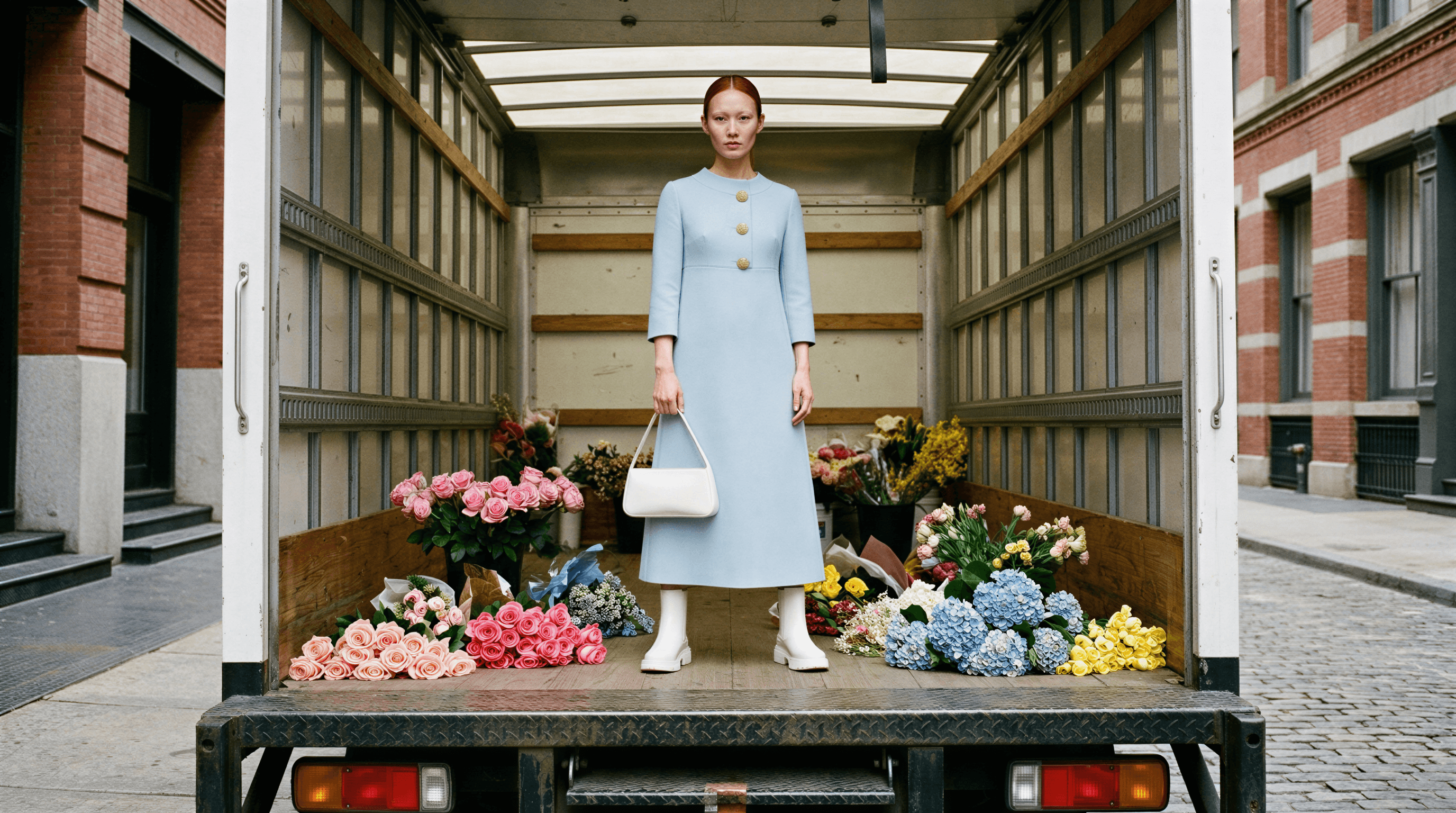
Three things changed in the last eighteen months. Together they’re why the category is finally ready for brand work.
1. Output got on-brand by default, not as a feature you fight for. First-generation AI tools gave you images that looked like an AI model wearing something like your product. Good enough for a social post. Embarrassing for a PDP. In 2026, the serious tools train on fashion and e-commerce specifically, accept a real product flatlay as input, and preserve the product’s actual fabric, print, hardware, and fit. That’s the core of the Flatlay to Catalog workflow.
2. Workflows replaced prompt engineering. Nobody in a brand team wants to learn Midjourney syntax. The tools that broke through in 2026 ship as workflows, upload, pick a model, pick a scene, generate, not as a blank text box. That single shift moved AI photography from “project the intern runs” to “program the catalog team runs daily.”
3. The legal layer got real. Rights-free assets, enterprise indemnification, and AI provenance metadata are now standard on serious plans. When procurement asks “can we use this in paid media,” the answer is yes, with documentation, not a shrug.
What it looks like in practice. A brand we work with, call them a mid-market European fashion label, used to book four studio days a month for catalog. In Q1 2026, they kept one studio day (for editorial and lookbook) and moved the rest to AI. They produced 11x the number of catalog variants, their PDP bounce rate dropped 18%, and their catalog production cost fell by about 94% year-over-year. Not because AI is magic. Because their old workflow was producing 1/11th of the images their drop calendar needed.
The slop problem is real, but it’s solvable. Generic AI, the warped logos, the uncanny faces, comes from consumer tools trained on the entire internet. Brand-safe AI comes from models trained on e-commerce imagery, with product preservation, on-model consistency, and brand-tuning built into the workflow. If your output looks like slop, the tool is the problem, not the category.
Want to see what brand-safe AI looks like against your own product? Upload a flatlay and run a catalog generation free. Fifty credits. No card. The output either convinces you or it doesn’t.
Product Photography Ideas for E-commerce Brands
Most “product photography ideas” articles give you a Pinterest board. You have a drop calendar, not a mood wall. Here are twelve formats that move conversion across category, in the rough order we see brands deploy them.
Hero on neutral. The anchor PDP shot. Front and slight three-quarter. Clean, lit, product-true.
On-model full-length. Shows fit. Single most important image for apparel and accessories.
Detail / macro. Fabric, stitch, hardware, finish. Trust-builder. Works for beauty (texture, pigment) and food (ingredients, crust, crumb).
Ghost mannequin. Consistent silhouette shot across SKUs. Great for overview grids.
In-use / in-hand. Product being held, worn, poured, opened. Demonstrates scale and function.
Lifestyle context. Product in environment, a bedroom, a kitchen, a city street. Storytelling for top-of-funnel content.
Flatlay styled. Multiple products grouped, styled for social. Great for gift guides and edit moments.
Editorial scene. Full art direction. Model, wardrobe, location, mood. This is where studio still earns its keep.
360 / spin. Rotational view. Converts well on considered purchases (footwear, tech, furniture).
Comparison / scale. Product against a known object (a hand, a coin, a person). Eliminates size-return risk.
Color variant grid. One image showing all colorways side by side. AI excels at this, a single base image becomes the full colorway set in minutes.
Market-localized. Same product, different model, different setting, different language callouts. Used to be a reshoot. Now it’s an AI swap.
A category cheat sheet. Apparel: 1, 2, 4, 5, 8, 11, 12 are table stakes. Beauty: 1, 3, 5, 6 are non-negotiable, plus texture macros. Home: 1, 6, 9, 10 for the PDP, plus full editorial scenes for hero. Accessories: 1, 3, 5, 10, 11, macro and scale matter more than lifestyle.
If your team is producing fewer than five of these per SKU, you’re leaving conversion on the table. If you’re producing them via one studio shoot per launch, you’re overpaying by an order of magnitude.
Rights, Disclosure, and the Legal Side of 2026 Product Photography
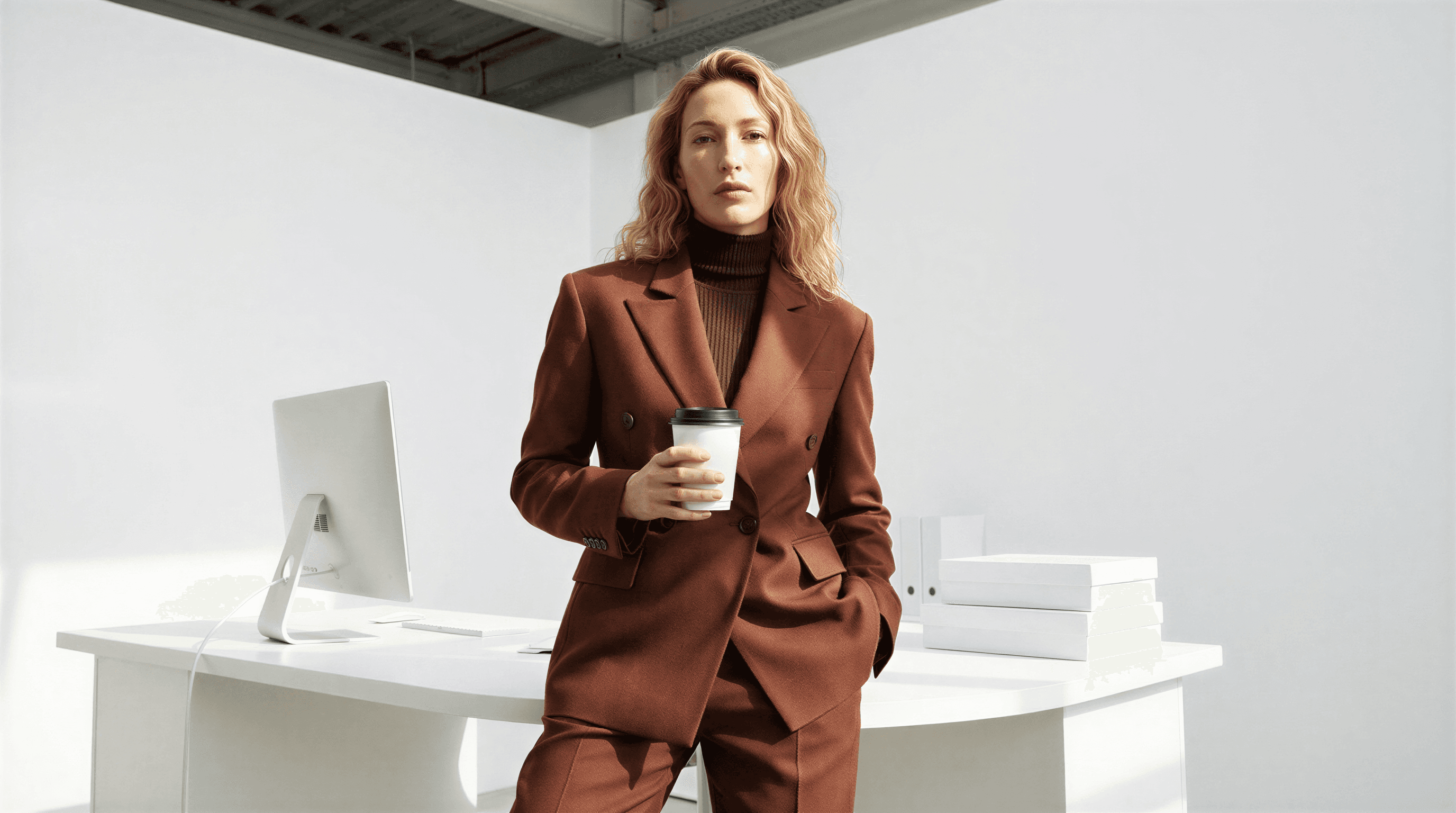
This is the section most guides skip. It’s also the one that’s actually new in 2026. If you sell online, you need to know it.
Studio-shot imagery. Every model on a shoot signs a release. That release specifies where the brand can use the image, for how long, and in what media (web, print, paid social, OOH, TV). Usage fees and residuals are common in the US and UK. Violations, running the image in a market not covered, or past the expiry, are the single most common source of post-shoot legal headaches. Keep your releases organized. Know when they expire.
AI-generated imagery. The legal questions are different but just as real. Who owns the output? Was the model trained on copyrighted material? Can the output be used in paid media without exposure? The serious AI platforms answer these with rights-free assets on paid tiers and full legal indemnification on Enterprise, meaning the platform covers you if a third-party claim arises against AI-generated imagery. Ask for that in writing before you put AI imagery into a paid ad campaign. (Caimera’s Enterprise plan includes it.)
Disclosure laws. This is where 2026 actually broke with 2025. A few developments every e-commerce team needs to track:
New York’s AI disclosure law (effective April 2026) requires that commercial imagery generated using AI be labeled as such on the product detail page. The exact wording and placement is still being clarified in guidance, but the obligation is live. If you sell to NY buyers, this applies to you.
EU AI Act transparency articles require clear labeling of AI-generated content used in commercial communication. Enforcement ramps through 2026 and 2027.
FTC guidance in the US continues to treat AI-generated imagery under existing deceptive-advertising rules, if the AI output misrepresents the physical product (different color, different fit, different fabric), you’re exposed regardless of whether AI is disclosed.
The short version: if you’re using AI for catalog, build disclosure into the PDP template now. Most CMSes can handle it with a small component. Most e-commerce legal teams haven’t caught up to it yet. Get ahead of it, the downside of non-compliance is larger than the cost of a small “AI-generated imagery” line on a page.
A mini story. A DTC home brand we advise, call them a mid-market candle label based in Brooklyn, ran their entire spring catalog using AI. Beautiful work. High conversion. Then in late March 2026, their legal counsel flagged the NY law in a routine review. They had seventy-two PDPs live in the state with no disclosure. Fixing it took two days, their CMS supported a conditional block, and their Enterprise AI platform (Caimera) had already generated the compliant metadata. Two days. Not a rebuild. But it would have been a rebuild if they’d been on a consumer tool with no provenance tracking. The difference between ready and exposed, in 2026, is whether your AI platform was built for brands or built for hobbyists.
How to Measure Whether Your Product Photography Is Working
Stop measuring photography on “quality.” Start measuring it on commerce. Three metrics, in order of importance:
PDP click-through on grid images. If a shopper is landing on a category page and not clicking through to your product, the hero shot isn’t doing its job. Test hero variants one at a time.
Add-to-cart from the PDP. The sequence of imagery on the page, hero, on-model, detail, lifestyle, should drive decision, not just decoration. A/B test the order.
Return rate. If a buyer is returning the product because it looked different in the imagery, your photography is lying. Studio or AI, if fit or color isn’t accurate, conversion is a long-term cost. Measure returns against image quality, not just gross sales.
On tooling. Most brands we work with measure the first two in Shopify analytics or their ad platform, and the third on a six-week trailing basis from the returns system. Build a dashboard that shows all three by SKU. Anomalies surface fast.
The 7.3x sales lift and 50% CTR improvement we cite come from exactly this measurement, across Caimera-using brands. It’s not a platform-agnostic promise, it’s what we see when brands test AI catalog imagery against their previous studio catalog on PDPs with at least 1,000 weekly sessions. Your mileage will vary. The discipline of measuring won’t.
Frequently Asked Questions
How much does product photography cost in 2026?
A traditional studio day lands between $3,800 and $11,300 in the US, or ₹1.45L to ₹3.6L in India, depending on market, model tier, and post-production. That yields roughly 20–35 approved images, so per-image cost sits between $150–$500 (US) or ₹5,000–₹15,000 (India). AI product photography runs between $0.02 and $2.00 per image depending on complexity, or a flat monthly subscription starting at $15/user. The hybrid brands now winning spend 20–30% of what they spent in 2023 on photography while producing 5–10x the imagery volume.
Is AI product photography good enough for real brands?
Yes, if the tool is built for e-commerce and trained on product imagery. H&M, Puma, Steve Madden, Bestseller, Skechers, and Superdry are actively running AI-generated catalog and campaign imagery in 2026. The distinction that matters is brand-safe AI (trained for fashion and e-com, preserves product detail, custom-tuned for your brand) vs. generic AI slop (trained on the open internet, six fingers, warped logos). Use the former. Avoid the latter.
What’s the difference between AI product photography and AI slop?
Slop is AI output that betrays itself, wrong fit, wrong color, wrong detail, wrong brand feeling. Brand-safe AI output preserves the product exactly (fabric, print, hardware) and places it in a scene that matches your brand book. The difference is almost entirely in the training and workflow, not the model. A tool trained on fashion e-commerce will give you brand-safe output. A consumer tool will give you slop.
Do I still need a photographer if I’m using AI?
For most brands, yes, but you’ll use them differently. The shift is from photographers-as-producers (booked by the day to grind catalog) to photographers-as-creative-directors (booked for editorial, hero campaigns, and taste calls on what the AI should be producing). The role is smaller in hours and more valuable in impact. Most in-house creative teams we see are retaining their photographer and photographer-led shoots for 30% of output, and moving the rest to AI.
What product photography do I legally have to disclose as AI-generated?
In New York (effective April 2026), commercial imagery generated using AI for products sold to NY buyers must be labeled. The EU AI Act’s transparency articles require similar disclosure across member states. The FTC applies existing deceptive-advertising rules in the US, meaning AI imagery that misrepresents the physical product is a violation regardless of disclosure. Build a disclosure component into your PDP template now. Use an AI platform that generates compliant metadata by default.
How do I get on-model product shots without booking a model?
Upload a flatlay of the product. Pick an AI model from the platform’s library (or train a custom model on your brand’s talent). Pick poses, background, and lighting. Generate 10–50 on-model images in parallel. On Caimera’s Flatlay to Catalog, the full run finishes in under ten minutes. No casting, no release, no studio day. The output is yours, rights-free on paid tiers, indemnified on Enterprise.
The Short Version
Product photography in 2026 is hybrid, and the economics of AI are now non-optional. Studio still owns the editorial, the hero, and the moments that define the brand. AI owns the catalog, the variants, the repurposing, and the cadence. The brands shipping on a weekly drop calendar have already made the move. The brands still running quarterly studio shoots for every SKU are paying a tax the rest of the market stopped paying eighteen months ago.
If you’re running a drop next month, start here: take one of your new SKUs, upload the flatlay, and run a free catalog generation. Compare the output to what your last studio shoot produced. The decision will make itself.
Ready to move the 70%?
Try Caimera free, 20 credits, no card required if you’re a DTC founder, performance marketer, or brand team wanting to test output on your own product.
Request an Enterprise demo if you’re a retailer, apparel group, or agency producing at scale and need DAM integration, custom models, and legal indemnification.
The studio still has a role. The question is whether the rest of your catalog is still waiting on one.