Product

Caimera AI

Resources

Caimera AI

Pricing

Try for free

Product

Caimera AI

Resources

Caimera AI

Pricing

Try for free

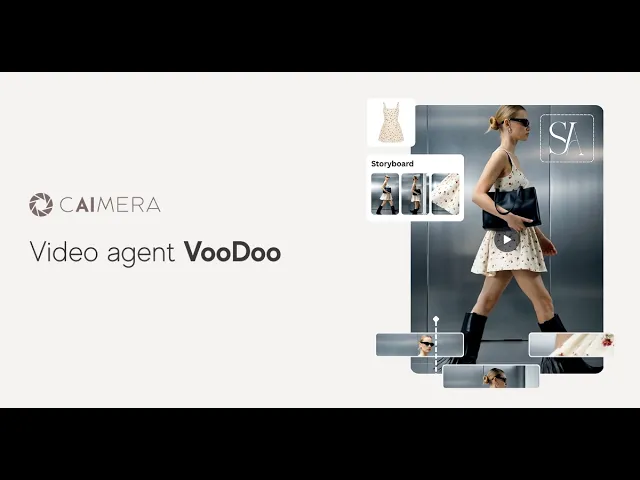
Introducing Caimera VooDoo
It storyboards, creates, edits & publishes your videos

How move works

Choose template
Generate storyboard
POST
AI Fashion Photography I AI Video Generator I Caimera AI

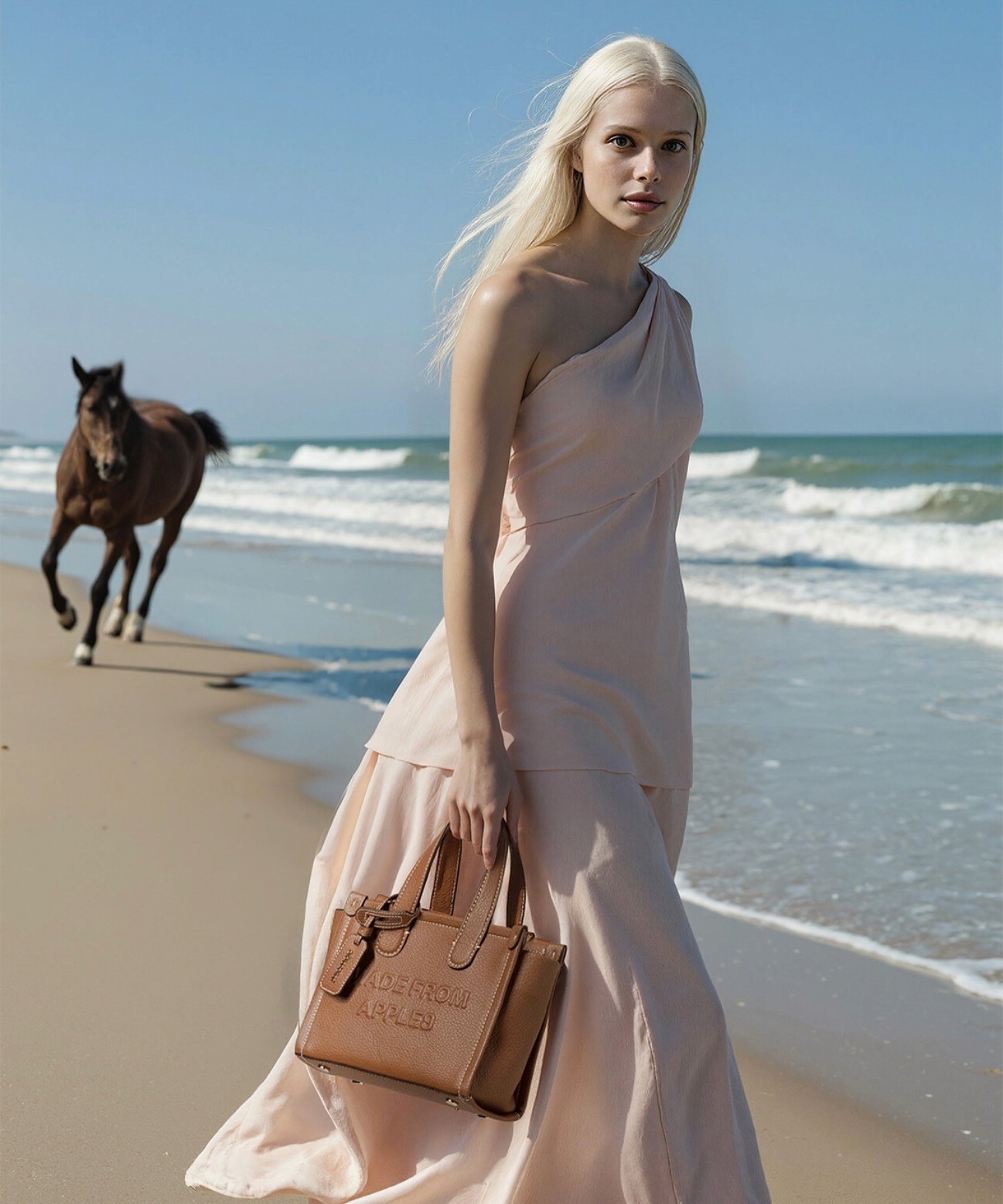
Select an on-brand template and add your product

CHOOSE TEMPLATE

GENERATE STORYBOARD

POST

AI Fashion Photography I AI Video Generator I Caimera AI

Select an on-brand template and add your product

Shot on

Skip image generation, Add product directly to video

Skip image generation, Add product directly to video

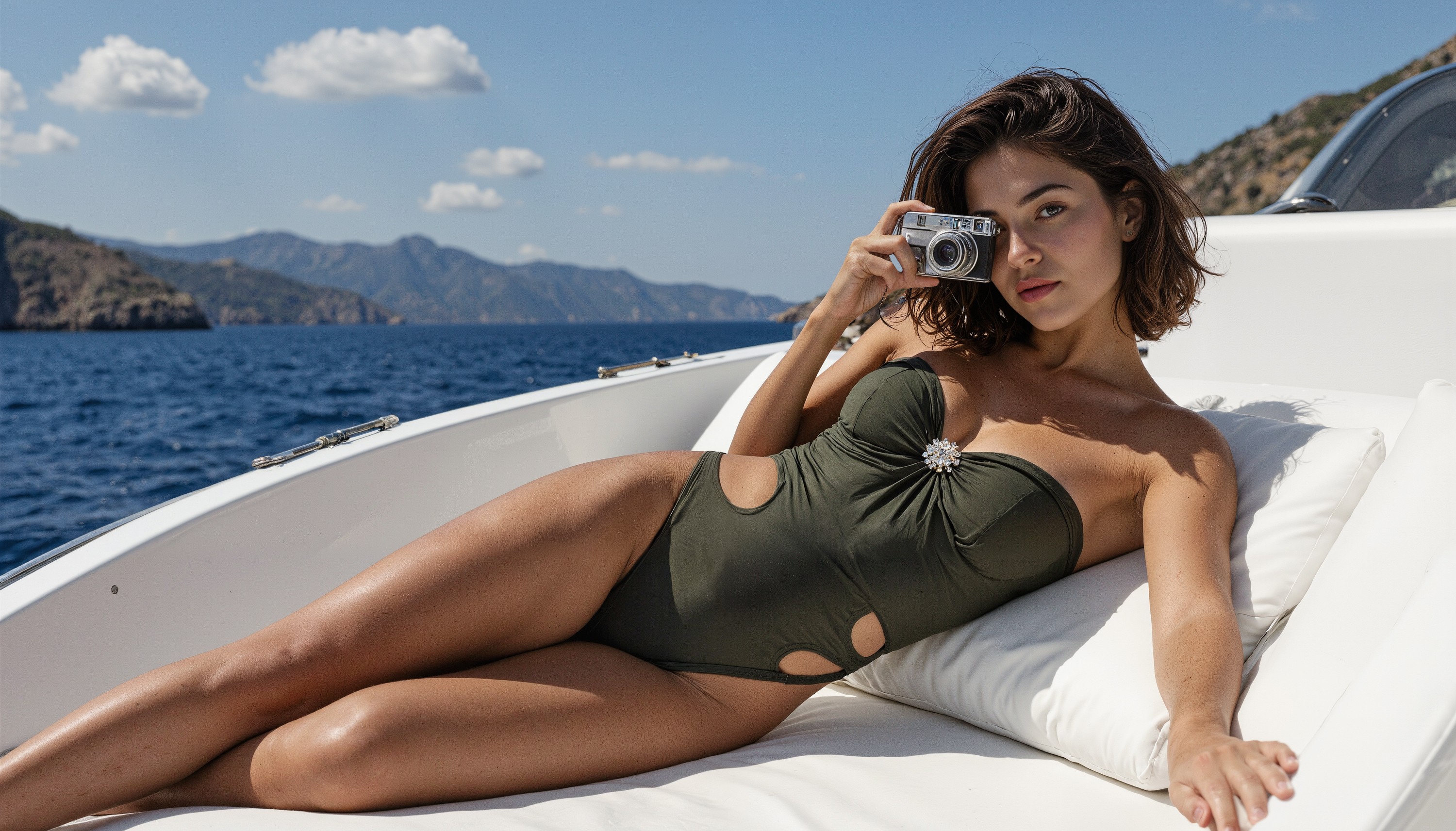
Let our AI director handle framing, camera movement, lighting and doing AI video editing.

Let our AI director handle framing, camera movement, lighting and doing AI video editing.

Add text and logo

Add text and logo

Add brand assets and text directly in the Caimera editor

Add brand assets and text directly in the Caimera editor

Shot on

Shot on

Publish directly

Publish directly

Stitched, ready-to-post video directly from Caimera

Stitched, ready-to-post video directly from Caimera

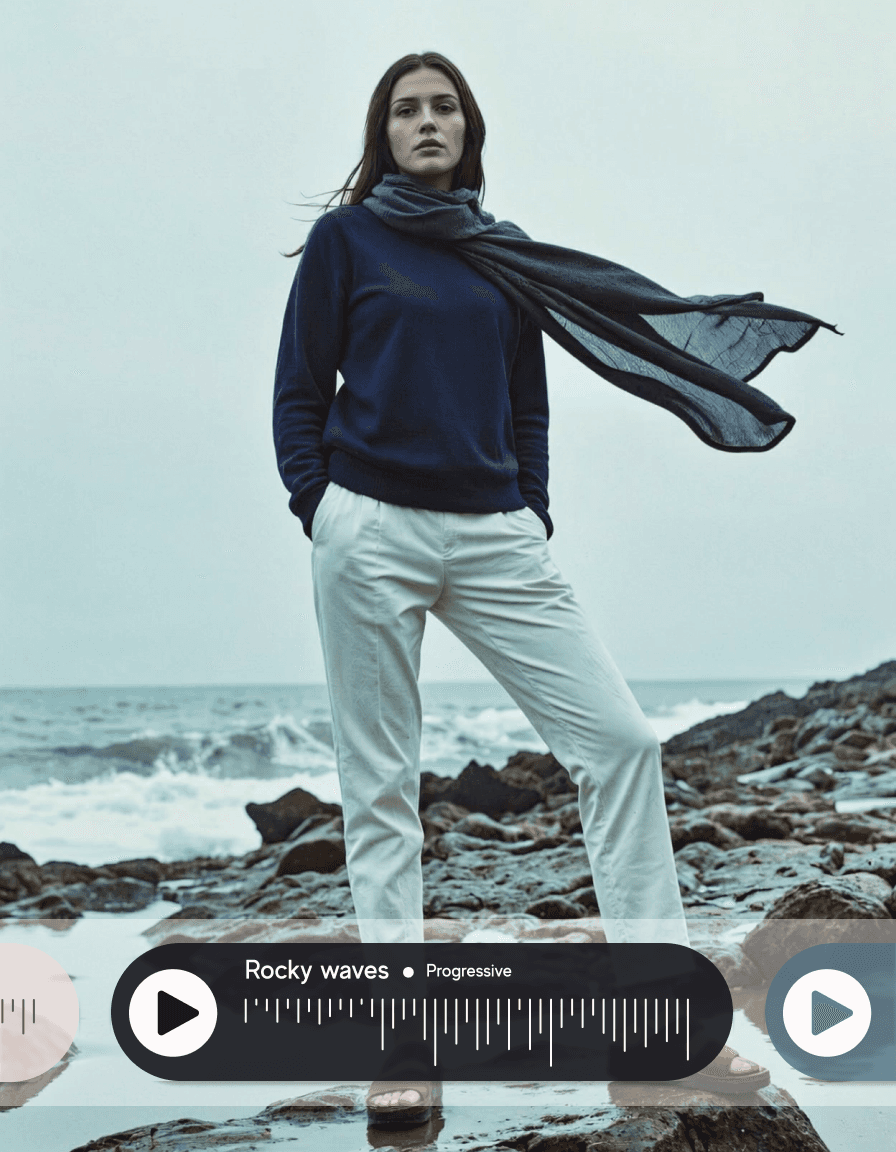
Add audio

Add audio

Add AI generated or custom audio to take your video to the next level.

Add AI generated or custom audio to take your video to the next level.

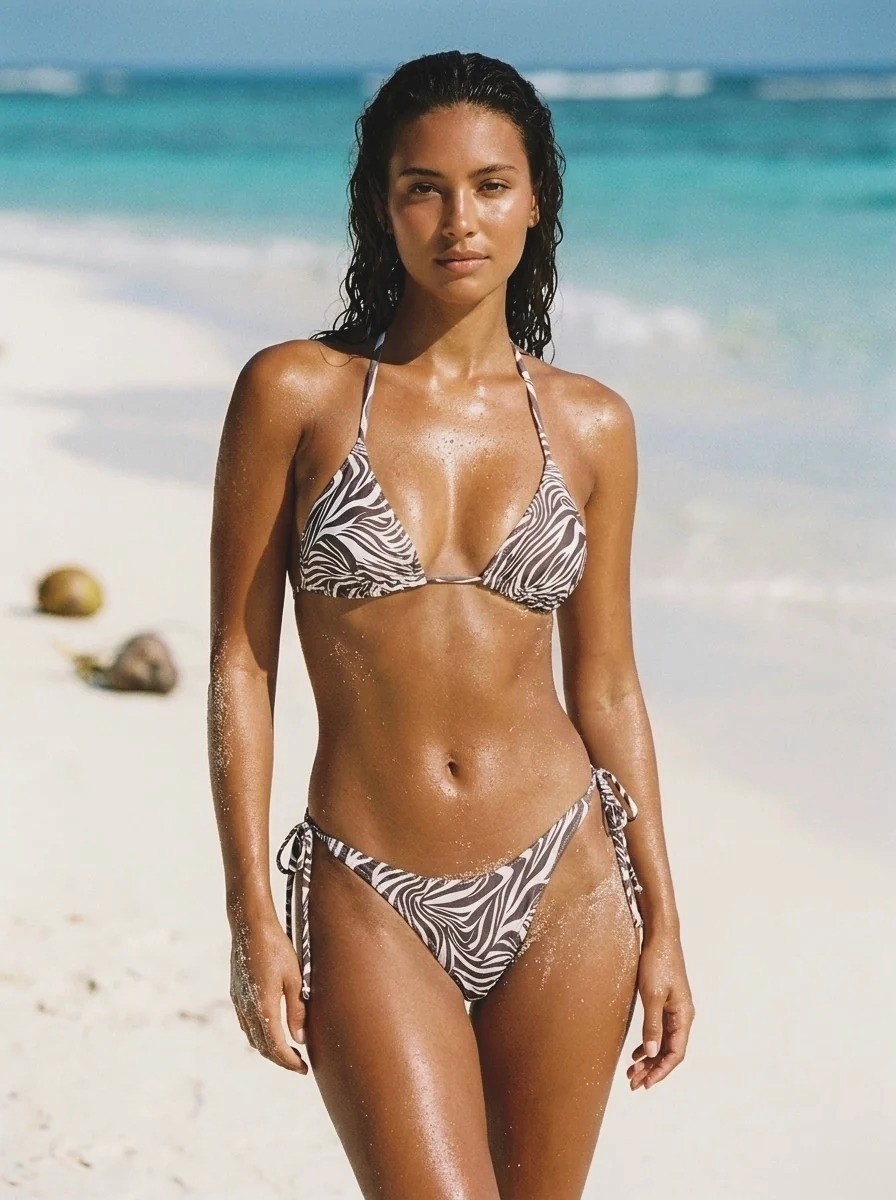
AI Generated female fashion model on beach I Caimera AI

Shot on

Your brand in your control,

starting $15/month

Frequently asked questions

What is Caimera's Video Agent (VooDoo)?

How does the Video Agent work?

Can I create fashion videos for Instagram and TikTok without video editing software?

What video output quality can I expect?

What aspect ratios are supported?

Are templates product-specific?

What types of input images work best?

What input images should I avoid?

Can I upload multiple garments in one image?

Do some templates have unique input fields?

How do I add text overlays to my video?

Can I add previously generated clips to a new video?