Transform Your Flat lays into
Ready-to-Sell Product Catalogs

Say goodbye to manual cropping, background cleanup, and product tagging. Our Bulk Flatlay-to-Catalog Tool converts messy flatlay shots into clean, consistent, studio-grade product listings—instantly.
















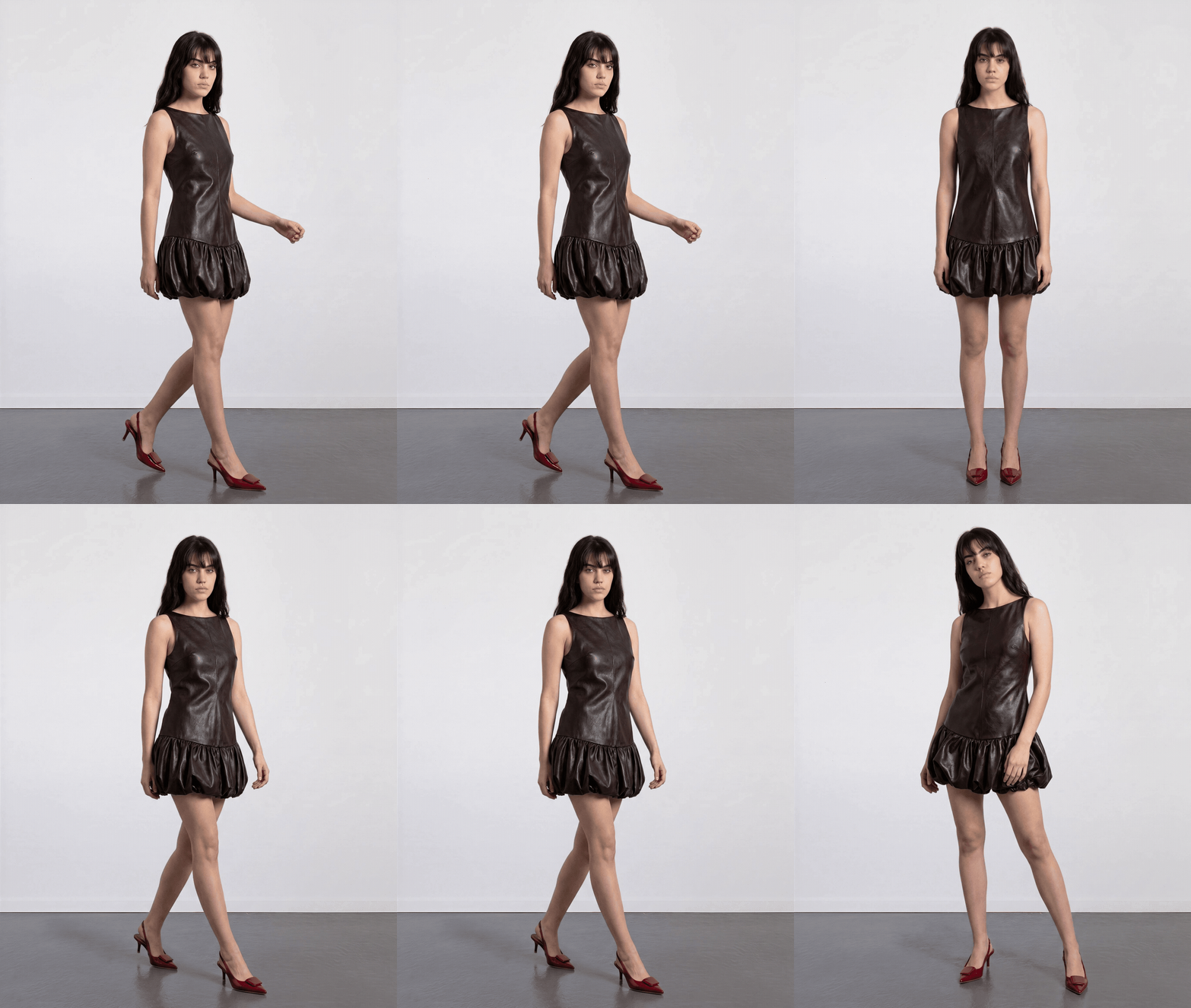
One bulk workflow that ensures uniform results, every single time. Shoot a whole batch against any solid background colour to match your brand palette, and duplicate any finished job to rerun it with the same model, poses, background and settings.
Your brand in your control,
starting $15/month
Pick an AI model for your catalog
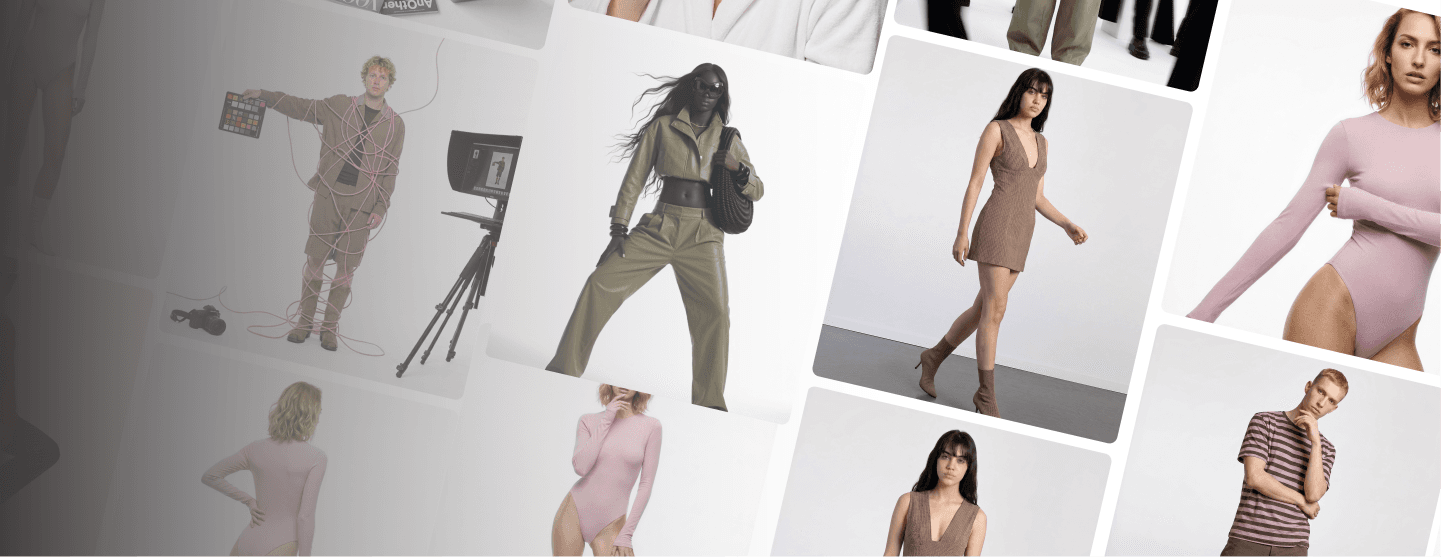
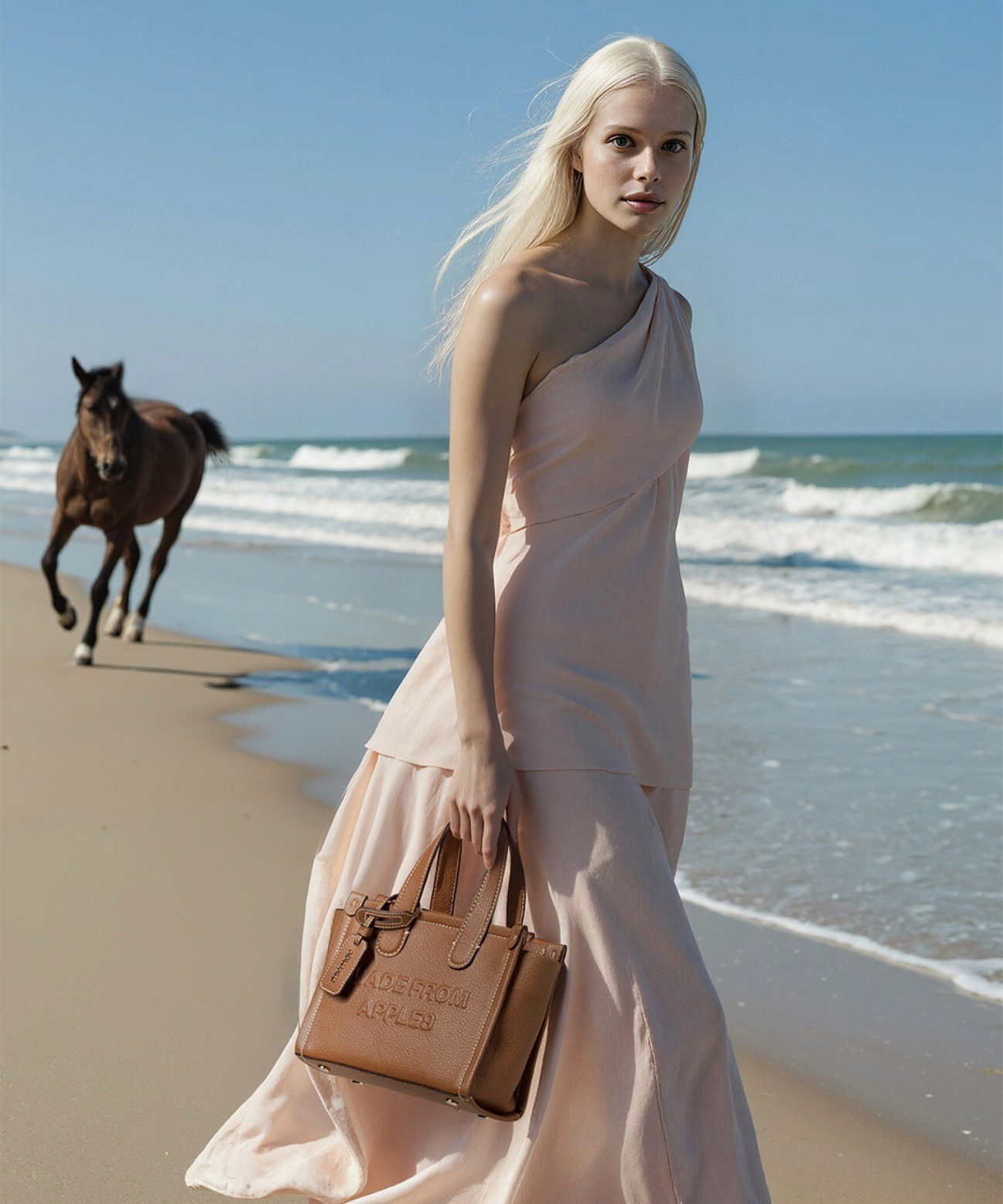
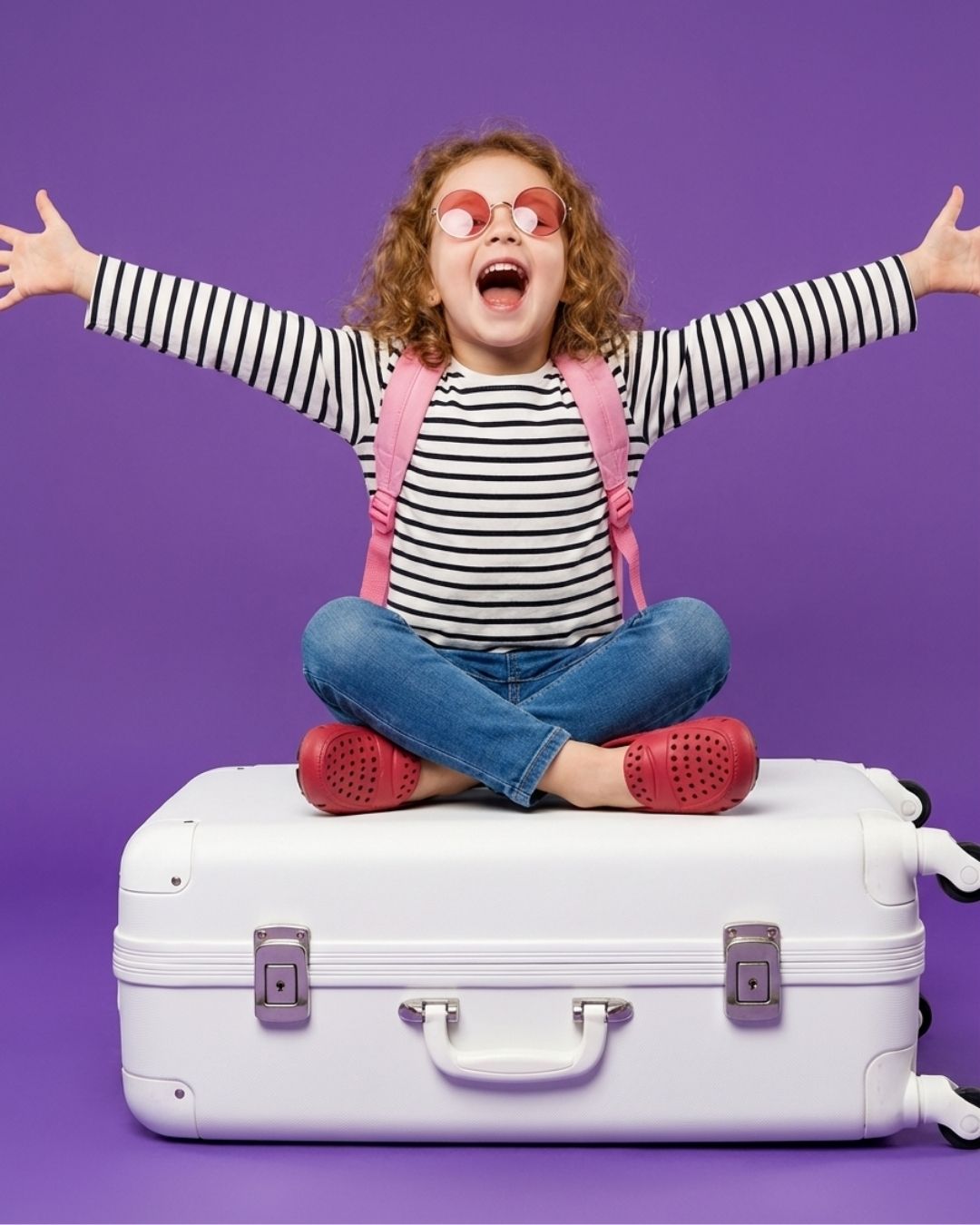
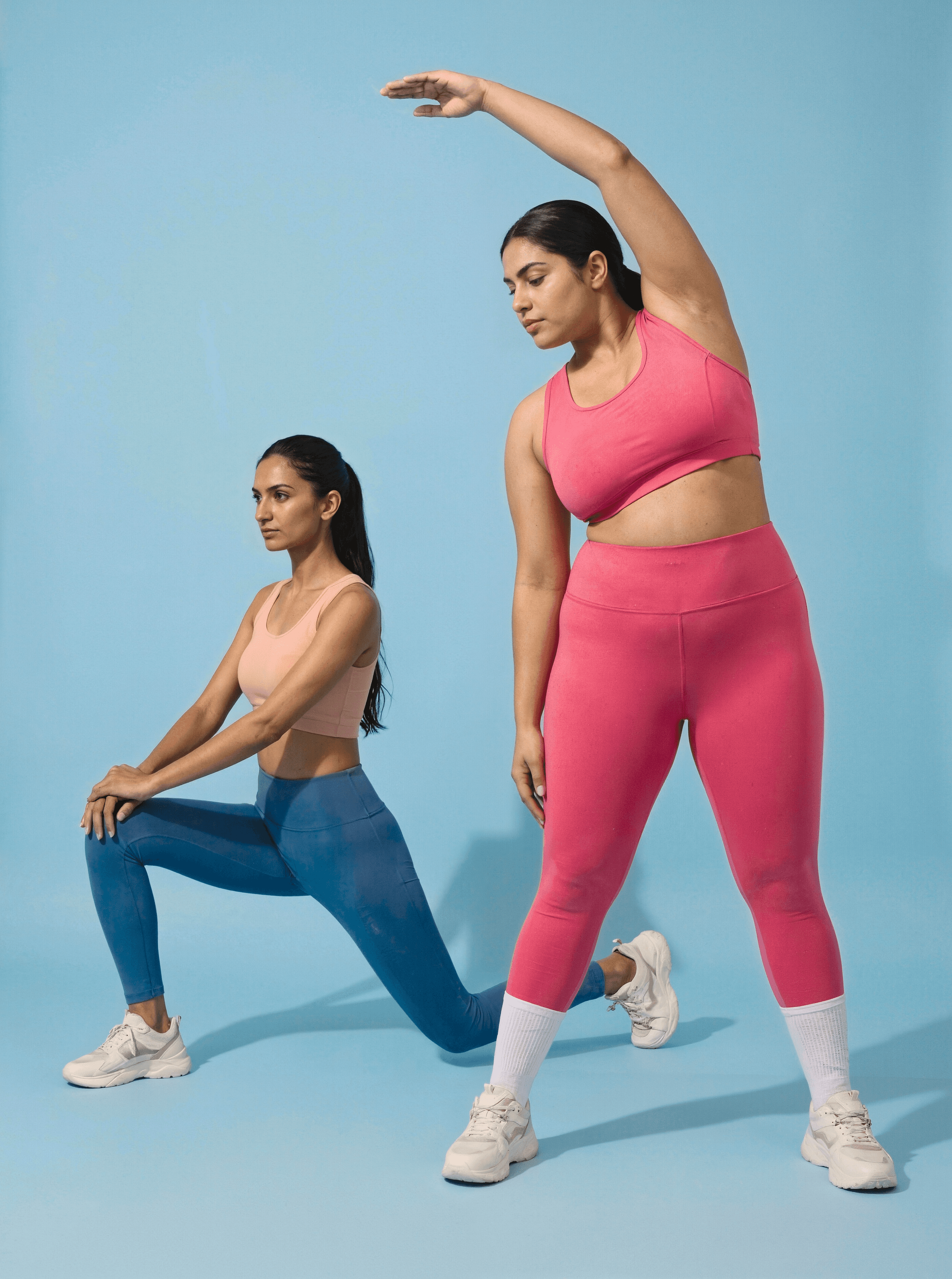
66 on-brand AI fashion models across women, men and kids, sizes XS to XL. Put your flatlays on any of them.












Frequently asked questions
What is Caimera's Flatlay to Catalog tool and who is it for?
Flatlay to Catalog is a bulk AI tool that converts flat lay product photographs into professional on-model catalog images, automatically. It's built for fashion brands, e-commerce retailers, and wholesale teams who have existing flat lay or ghost mannequin photos and need to create high-volume, consistent catalog content without additional photoshoots.
Can I convert flat lay fashion photos into on-model images using AI?
Yes. That's exactly what Flatlay to Catalog does. Upload your flat lay garment images, select a model, pose, and background, and the AI generates realistic on-model product images. This eliminates the need for model bookings and studio shoots when you already have standard product photography.
How many garments can I process at once with the Flatlay to Catalog tool?
Flatlay to Catalog supports bulk processing of 100+ garments in a single workflow. This makes it practical for large seasonal collections, wholesale catalogs, or e-commerce retailers with hundreds of SKUs needing on-model imagery at scale.
What kind of models are available for AI fashion catalog images?
Caimera offers exclusive AI models across a wide range of ethnicities, body shapes, and sizes. You can select specific models, poses, and expressions for each catalog run - ensuring your brand feels inclusive and relatable while maintaining SKU consistency across the entire catalog.
How does AI maintain clothing accuracy and SKU consistency in bulk catalog production?
The tool uses a structured linear workflow - select model, select product, generate - that applies the same AI settings across all garments in a batch. This ensures uniform lighting, consistent pose angles, and accurate garment rendering across your entire product range, meeting the SKU consistency standards required by major marketplaces.
Will the AI on-model images look realistic enough for e-commerce product pages?
Caimera's outputs are designed to meet e-commerce standards, not just look 'AI-generated.' Results work best with clear, well-lit flat lay source images. Customers using Flatlay to Catalog report output quality suitable for product detail pages, category listings, and marketplace platforms. Always review outputs before publishing, particularly for complex garment structures.
Can I use Flatlay to Catalog if I only have ghost mannequin or studio catalog images?
Yes. The tool works with flat lay, ghost mannequin, and standard studio catalog photos. As long as the source image clearly shows the garment's full shape and colour, the AI can accurately place it on a model with the pose and background you choose.
How does converting flat lays to on-model images affect e-commerce conversion rates?
On-model photography typically increases conversion rates by 30–40% compared to flat lay or ghost mannequin alone, because customers can see how garments fit, drape, and move on a real body. Brands that switch to on-model imagery also report fewer 'how does this fit?' customer service enquiries and lower return rates.
Is AI-generated on-model photography appropriate for large marketplace sellers on Amazon or Zalando?
AI-generated on-model images are used by brands across major marketplaces. They must meet the platform's image quality guidelines (resolution, clean backgrounds, garment clarity). Caimera outputs meet standard commercial image specifications, but always check specific marketplace policies and disclose AI usage where required by platform terms.
What are the main time and cost savings from using Flatlay to Catalog versus a traditional shoot?
A traditional on-model shoot for 100 garments could take several shoot days, involve model fees, studio costs, and post-production retouching - typically costing tens of thousands of dollars. Flatlay to Catalog processes the same 100+ garments in one automated workflow, reducing content production time by up to 80% and costs by 70–95%.
How do I turn a flat lay photo into an on-model image with AI?
Upload the flat lay, pick a model, pose and background, and generate. In Caimera's Flatlay to Catalog you can also upload a whole folder with one subfolder per outfit, and Caimera sorts each image into top, bottom, dress, footwear or accessories. The first shot sets the model and setup; later shots with the same setup come back almost instantly, at 2K by default.
Is AI on-model photography the same as virtual try-on?
Not quite. Virtual try-on usually means a shopper sees clothes on themselves or on a model inside a store. AI on-model photography is for the brand: you put your garments on AI models to produce the catalog and product-page images you publish. Caimera does the brand side, turning products into on-model images for whole catalogs, plus editorial, video and design tools.
Can I keep the same AI model across my whole collection?
Yes. Choose one model and setup and reuse it for every SKU, so faces, body type and lighting stay consistent across your product pages. You can also create a private custom model from two photos (one full body, one close-up) in under a minute and use it across catalog, editorial and video.
How much does AI catalog photography cost per image?
As low as about $0.99 per on-model catalog image on Caimera's Pro plan billed annually ($99 per user per month), which includes up to 100 catalog images a month. The free plan includes 2 catalog images to test with, and no credit card is needed.