Turn any image into Ghost
Mannequin Packshots












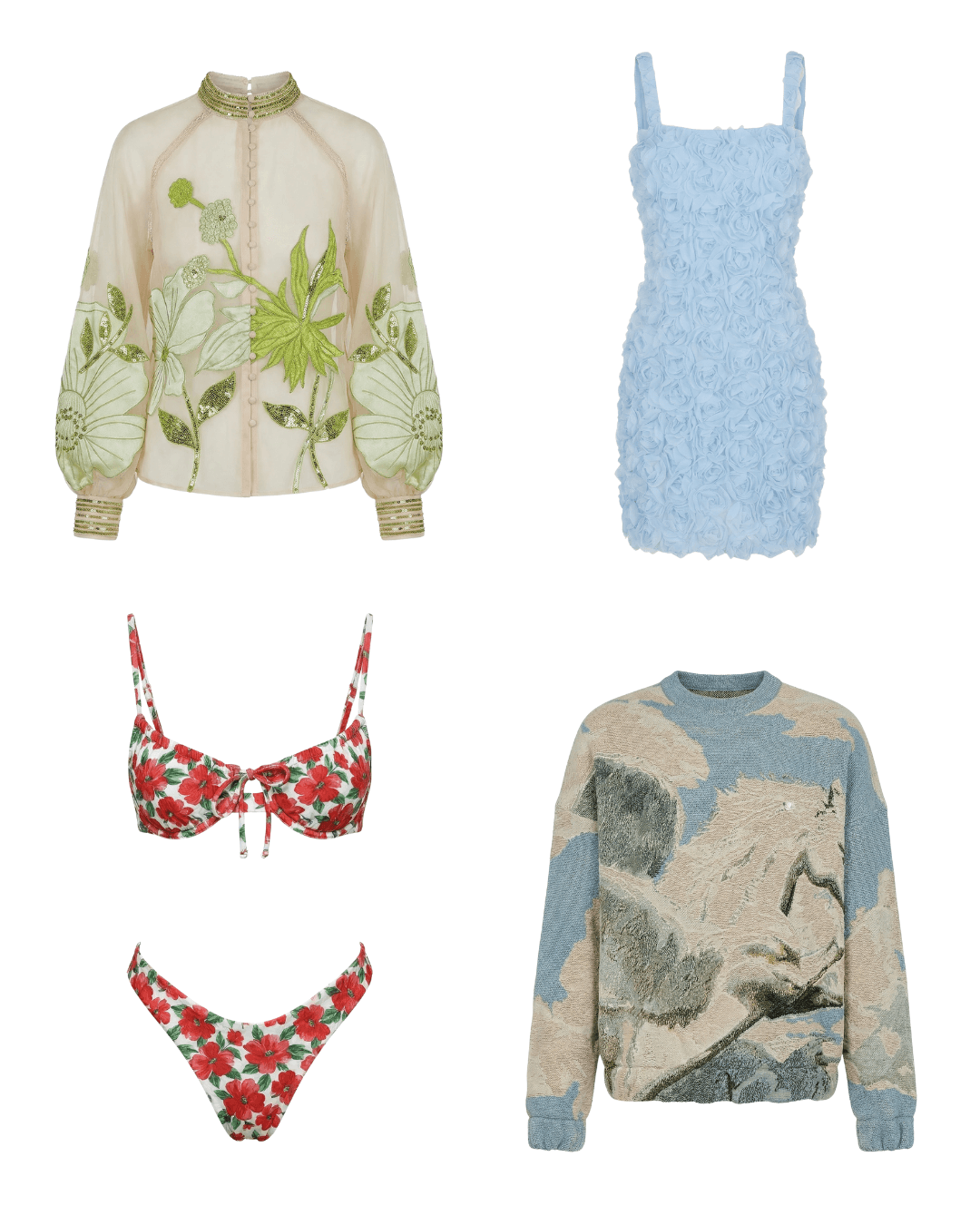

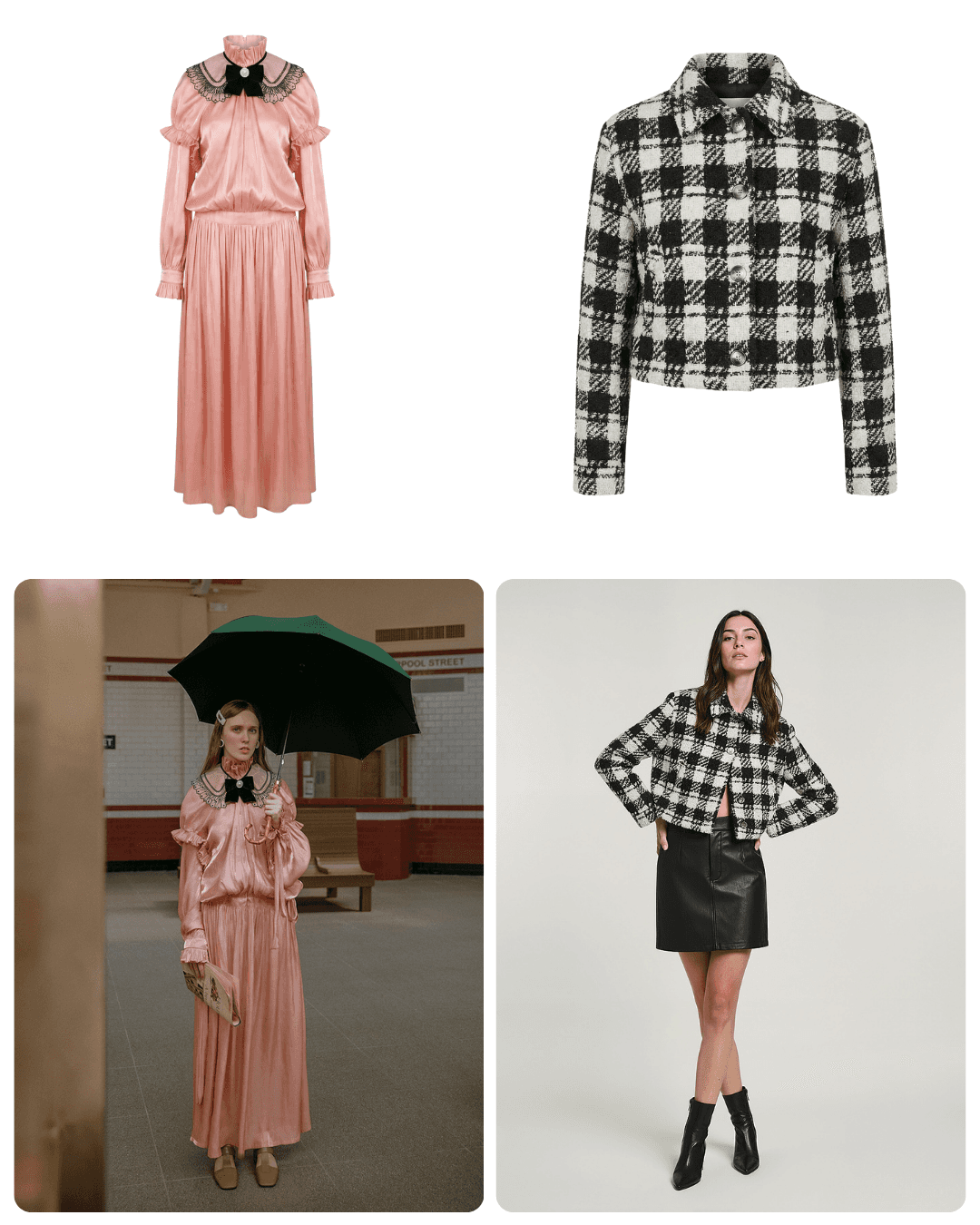
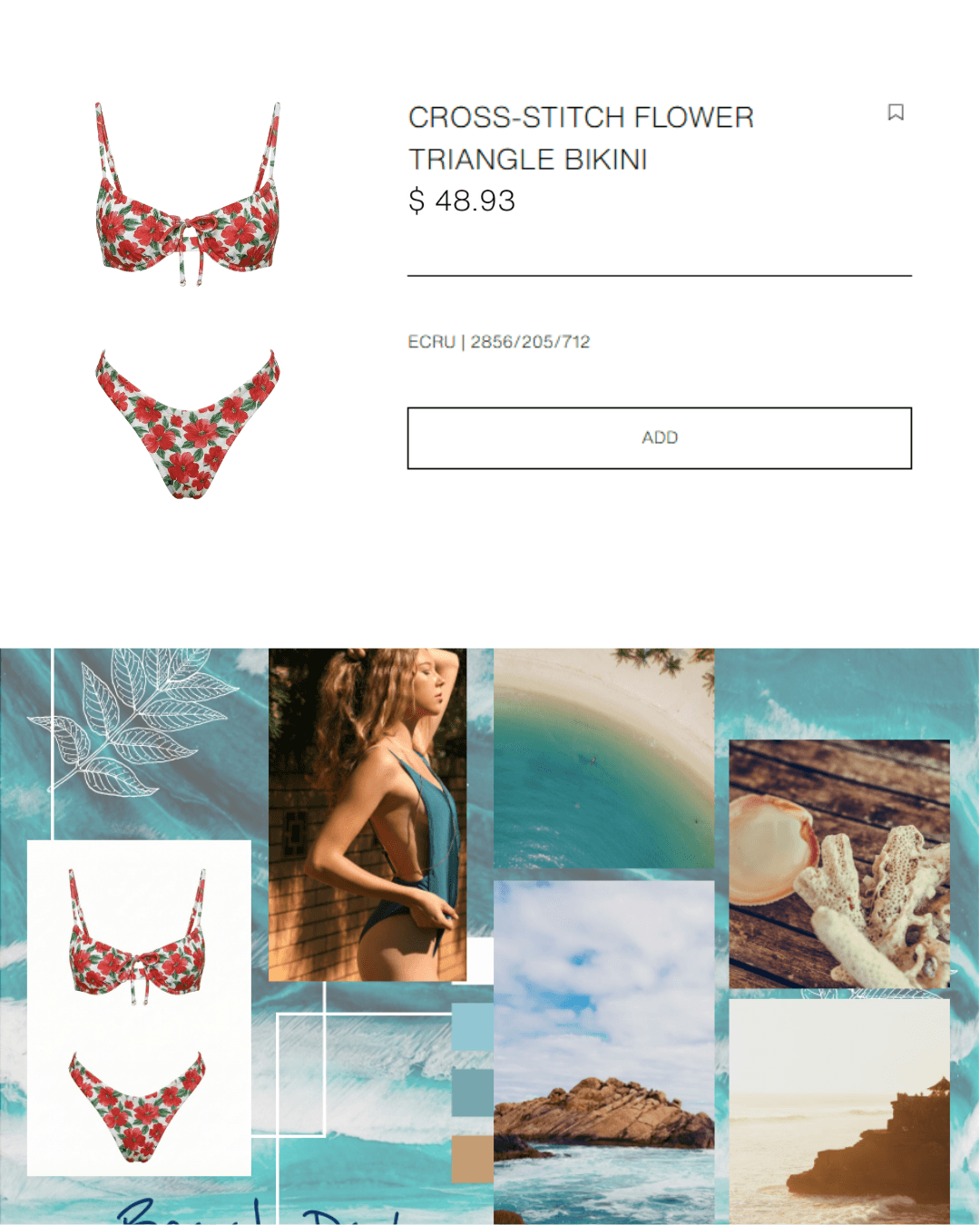

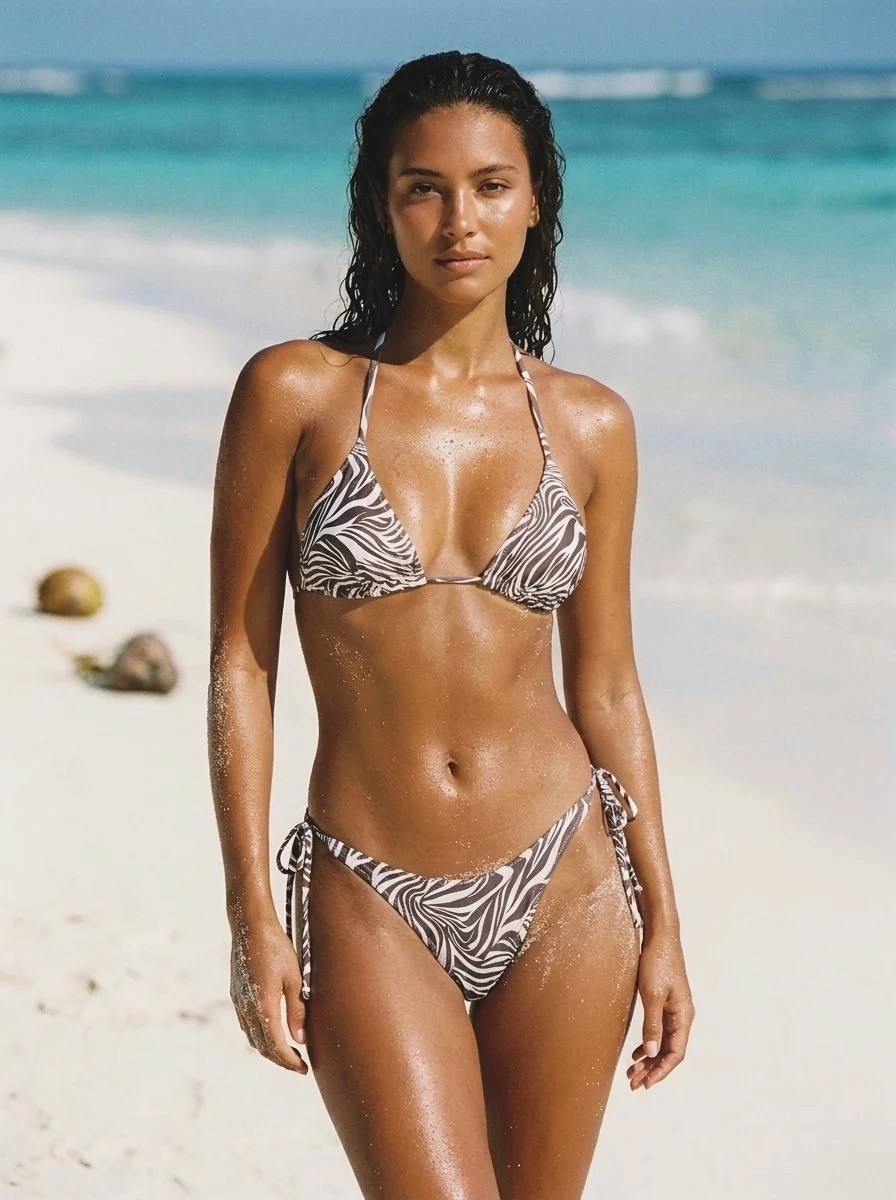








Frequently asked questions
What is Ghost Mannequin / Flat Lay and how does ghost mannequin photography work with AI?
Ghost Mannequin / Flat Lay is Caimera's AI tool that converts any fashion image - editorial, lifestyle, or catalog - into a clean ghost mannequin (invisible mannequin) product shot. The AI detects and extracts the garment, removes the model or mannequin, and creates a professional 3D hollow product image ready for e-commerce listings. Switch the output style to Flat Lay and the same upload returns a laid-flat product shot instead.
Can I create ghost mannequin packshots from photos that already have models in them?
Yes. Ghost Mannequin / Flat Lay works with editorial shots, lifestyle images, and studio catalog photos featuring real models or mannequins. The AI extracts the garment and produces a clean ghost mannequin effect - saving you the cost and time of re-photographing products specifically for ghost mannequin shoots.
What types of garments and silhouettes does the Ghost Mannequin / Flat Lay tool support?
Ghost Mannequin / Flat Lay handles a wide range of silhouettes, materials, and garment constructions - including structured pieces, draped fabrics, knitwear, printed textiles, and layered outfits. The AI is designed to preserve pattern detail, print accuracy, and construction features even on complex garment shapes.
Can I extract multiple garments from a single image using Ghost Mannequin / Flat Lay?
Yes. The tool allows you to select and extract ghost shots for more than one product from a single image. This is especially useful for editorial or lookbook photography where multiple items appear in a single shot - enabling efficient catalog production from a single source image.
How does AI ghost mannequin compare to traditional invisible mannequin post-production?
Traditional ghost mannequin post-production requires separate front and back shots on a physical mannequin, followed by manual Photoshop compositing - typically taking 10–20 minutes per garment. Ghost Mannequin / Flat Lay automates the extraction and compositing process in seconds, reducing post-production time by 80–90% and eliminating the need for a physical mannequin setup.
Is the AI ghost mannequin packshot output suitable for Amazon, Shopify, and marketplace product listings?
Yes. Ghost mannequin images on a clean background meet the standard product image requirements for Amazon, Shopify, Zalando, ASOS, and other major e-commerce platforms. The AI maintains garment detail, colour accuracy, and clean edges - the key quality markers for marketplace approval.
Can Ghost Mannequin / Flat Lay handle complex garment details like embroidery, zippers, and structured collars?
The tool is designed to preserve garment construction details including collars, cuffs, zippers, buttons, embroidery, and pattern placement. Best results come from source images where these details are clearly visible and well-lit. Complex details on heavily draped or transparent fabrics may require manual review.
How is Ghost Mannequin / Flat Lay useful for fashion buyers and wholesale presentations?
Ghost mannequin imagery is the industry standard for wholesale catalog presentations and line sheets, because it shows 3D garment shape and construction without model distraction. Ghost Mannequin / Flat Lay lets brands produce clean, consistent ghost imagery from existing lifestyle or editorial shoots - without a dedicated ghost mannequin shoot session.
Can I use ghost mannequin images for e-commerce and mood boards simultaneously?
Yes. Ghost Mannequin / Flat Lay outputs are designed for dual use - e-commerce product pages and creative planning documents like mood boards, buyer decks, and wholesale presentations. Clean ghost images provide the neutral product view needed for both commercial listings and design development contexts.
What is the difference between ghost mannequin and flat lay photography for e-commerce?
Ghost mannequin (invisible mannequin) photography shows garments in a 3D form, preserving the shape and silhouette as if worn - it's better for structured garments, outerwear, and anything where fit matters. Flat lay is a top-down, 2D view better suited for accessories, smaller items, and social media content. Most e-commerce catalogs use both formats across different product categories.
Which app is best for creating ghost mannequin images?
For a whole catalog, use a tool built for apparel that keeps garment details intact and outputs marketplace-ready packshots. Caimera's Image to Ghost turns on-model, lifestyle or catalog photos into ghost mannequin or flat lay images, keeps the source aspect ratio, and can extract several products from one photo. General editors such as Photoroom also offer a ghost mannequin feature for single images.
Can I turn any photo into a ghost mannequin image?
Most photos, yes, as long as the whole garment is visible and in focus. Caimera works from on-model shots, lifestyle and editorial images, studio catalog photos and mannequin shots. Cropped garments, heavy motion blur, or pieces hidden under other layers give weaker results, because the AI has to invent what it can't see.
How do I make a ghost mannequin image without Photoshop?
Upload a photo of the garment, worn or on a mannequin, and let AI remove the body and rebuild the garment's 3D shape. The traditional method needs front and inside-back shots on a physical mannequin, then manual compositing in Photoshop. With Caimera's Image to Ghost it's one upload, and you can output either a ghost mannequin or a flat lay from the same photo.
Do I need a mannequin to photograph clothes for my online store?
No. You can shoot garments as flat lays or use photos you already have, then let AI create the rest. Caimera turns flat lays into on-model catalog shots with Flatlay to Catalog, and turns on-model or lifestyle photos into ghost mannequin packshots with Image to Ghost.