Create Your Own AI Fashion Model: 3 Ways in 2026

Prateek Gupte
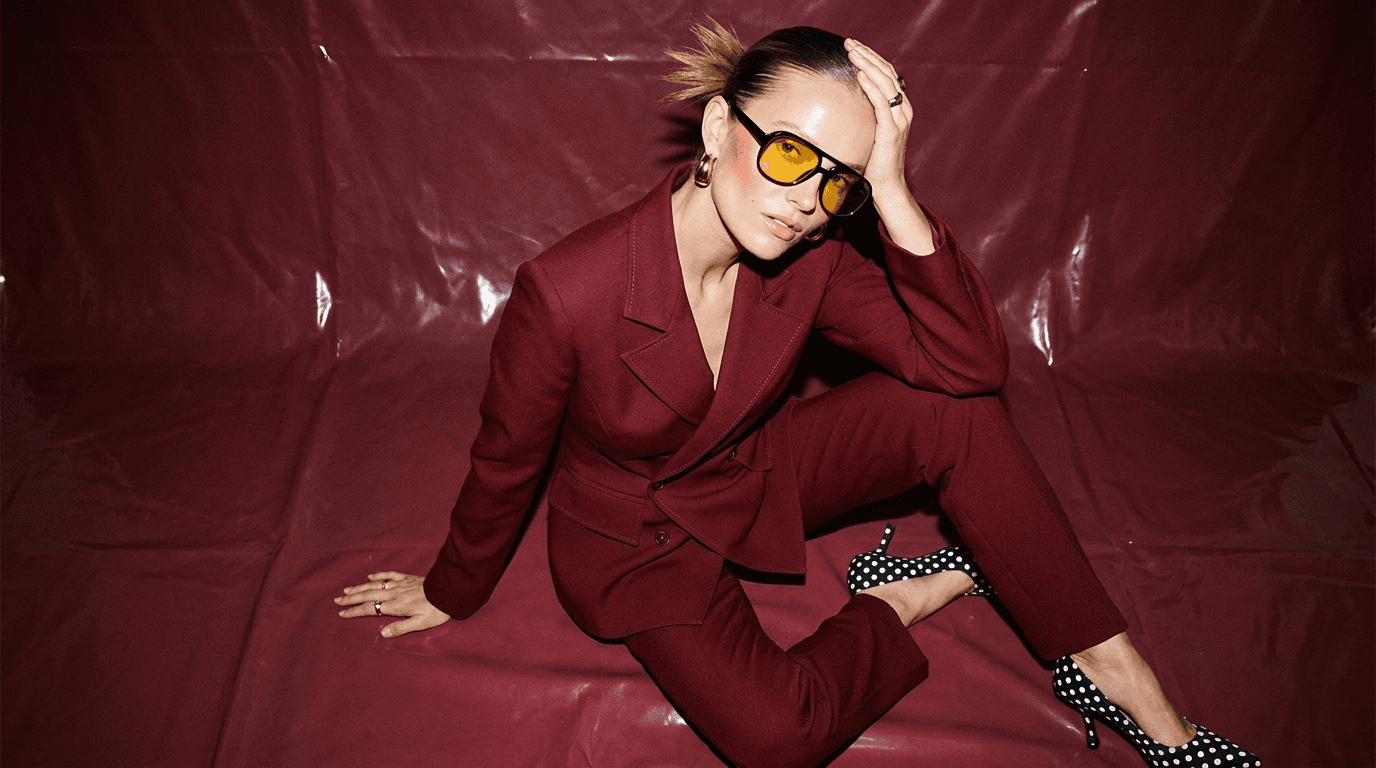
You can create your own AI fashion model three ways in 2026: (1) fine-tune a LoRA on Flux or Z-Turbo yourself, technical, effectively free in compute, 10–20 hours of setup; (2) upload a flatlay to a fashion-specific AI tool like Caimera or Botika and pick a stock AI model, ten minutes, under a dollar per image; (3) train a custom brand model, or a digital twin of real talent, on a platform built for it. Each path has a different cost, a different timeline, and a different ceiling on how "on-brand" the output can get. Pick wrong and you either burn a weekend to get a generic face, or you pay Enterprise rates when a $15 tool would have shipped the drop.
Most guides on this topic pick one method and call it the answer. That's lazy. There are three real paths, each one right for a different brand, and knowing when to graduate between them is the whole game. Here's the honest framework, and a look at what H&M, Puma, and Steve Madden actually use. (For the broader category primer, see our deep dive on AI male models in fashion.)
Key Takeaways
Three real paths: DIY on Flux or Z-Turbo, a fashion-specific tool, or a custom-trained brand model.
Custom-trained models are the only path to a consistent brand face across a 30–50-SKU catalog.
Digital twins of real talent are a 2026 option. H&M and Puma use them today.
DIY is "free" only if you ignore 15–20 hours of engineering time. Price it honestly.
NY AI disclosure (April 2026) and the EU AI Act apply to the output, not the tool. Plan for both.
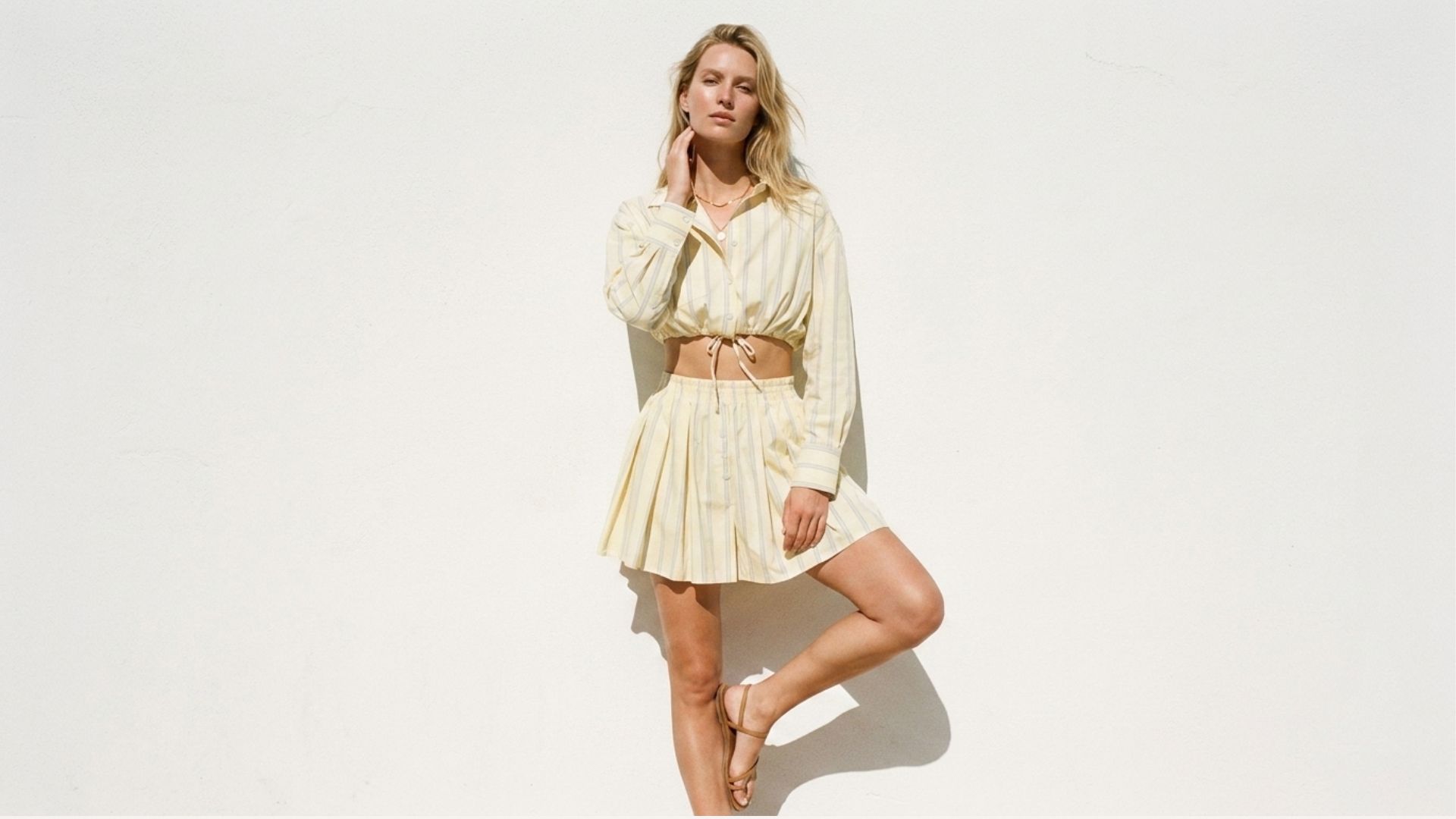
What Is an AI Fashion Model?
An AI fashion model is a computer-generated person, face, body, pose library, and styling cues, that showcases clothing, accessories, or beauty products without a studio shoot. The model lives as a set of trained weights or a stock library inside a tool. You direct it the way you'd direct a human: outfit, pose, background, light. The difference is you can generate 50 variations before lunch and your model never has a flight delay.
Three things matter when you evaluate an AI fashion model for commercial use: consistency (does the same face appear across every SKU?), brand-safety (does the output look like a campaign for your brand, or a Pinterest scrape?), and rights (do you own it, and is it indemnified for paid media?). Most DIY tutorials skip all three.
The Three Ways to Create Your Own AI Fashion Model
Start here. Pick the tier that matches your volume and your team. You can always graduate.
Tier 1: DIY on Flux / Z-Turbo | Tier 2: Fashion-specific tool | Tier 3: Custom brand model + digital twin | |
|---|---|---|---|
Who it's for | Technical founders, Indie designers, Side projects | DTC brands, growing e-com, SMB catalog teams | Mid-market + enterprise brands; Apparel groups |
Time to first model | 10–20 hours | 10 minutes | 2–4 weeks onboarding |
Cost | "Free" (GPU / cloud compute + your engineering time) | $15–$117 / month | Enterprise, starts ~$1,500 / month |
Consistency ceiling | Medium, LoRA drifts across seeds | High, curated library, consistent faces | Very high, trained on your brand, same identity across seasons |
Rights & indemnification | Your problem | Rights-free output on paid plans | Legal indemnification on Enterprise |
Best for | Prototyping, one-off looks | Everyday catalog + editorial | Campaigns, digital twins, exclusive brand IP |
The 3-step version (the short answer):
Pick the tier that matches your volume and brand ambition.
Gather reference material, product flatlays, brand guidelines, or (for Tier 3) licensed model footage and releases.
Generate, iterate, and lock the model, test across a small SKU set before scaling to your full drop calendar.
The rest of this guide is the detail for each path.
Tier 1: How to Create an AI Fashion Model with Flux or Z-Turbo (DIY Walkthrough)
If you want full control and don't mind a weekend of setup, fine-tuning a LoRA on Flux or Z-Turbo is the current state-of-the-art DIY path. Both are high-quality 2026 models. LoRA (Low-Rank Adaptation) lets you teach the model a specific face, body, or style using 15–30 reference images, instead of retraining from scratch.
What you need:
A GPU with 24GB VRAM (RTX 4090, A6000, or a cloud equivalent).
15–30 reference images of your target "model", consistent lighting, varied angles, plain backgrounds.
A LoRA training pipeline. Hugging Face
diffusersor one of the community training UIs built on top of it.Patience. Your first run won't be your best run.
The five steps:
Collect references. 15–30 images. Same person, same broad styling, varied angles and expressions. Clean backgrounds.
Pre process and caption. Resize to the training resolution your base model expects. Auto-caption or hand-caption each image.
Train the LoRA. 1,500–4,000 steps on Flux or Z-Turbo, depending on your dataset and goal.
Test against a held-out prompt set. Generate 30–50 images across poses, lights, outfits. Look for identity drift, does the face still look like your person in every shot?
Iterate. Most first LoRAs need at least one retrain. Tighten the captions, swap a few references, rerun.
The real time cost. Even if you've done this before, plan for 10 hours the first time and 3–4 hours every subsequent model. If you haven't, plan for 20.
Maya runs a 30-SKU indie womenswear brand out of Bengaluru. She spent a Saturday training a Flux LoRA on a friend's portraits so she could shoot her spring collection without paying for a model. The first run had the face but wrong body proportions. The second run got the body but drifted on skin tone. By Sunday night she had a workable model, about 14 hours in, counting the captioning. Monday morning she realized she still needed pose control, lighting consistency, and a way to stop her brand's jewelry from warping on close-ups. She didn't ship the drop that week.
When Tier 1 is the right call: You're a technical founder with one product line and a lot of control. You're building a design portfolio. You want to learn the tech.
When it isn't: Anything with a drop calendar. Anything at catalog volume. Anything you plan to run as paid media, where rights and indemnification become real buyer questions.
Want the ten-minute version instead of the weekend? Try Caimera free with 20 credits, no card required.
Tier 2: The Ten-Minute Path on a Fashion-Specific AI Tool
This is the path most DTC and mid-market brands actually want. You upload a flatlay, pick an AI model from a curated library, and generate 10–50 on-model shots in the time it takes to make coffee. No LoRA training, no GPU rental, no prompt engineering. If you'd rather compare the landscape first, start with our round-up of the 8 best AI fashion model generators — this section is the workflow once you've picked one.
The workflow on Caimera (same shape on most fashion-specific tools):
Upload the flatlay.
Pick a model from the AI model library, Caimera ships Sage, Shia, Maxi, Zeni, Soon, Elar, Mike, and Hugo out of the box, plus children's models Aime and Maly, with curated ethnicity and body-type variations.
Set pose and background cues.
Generate. Flatlay to Catalog runs up to six parallel jobs on Pro, so 50 shots land in minutes, not hours.
Edit unlimited times at no credit cost on any paid plan.
What "on-brand" means in this tier. Fashion-trained stock models are dramatically better than generic AI for a catalog. The library faces are consistent within a shot, the fabric drapes correctly, the backgrounds don't contradict your brand. What they can't do is be uniquely yours. Two different brands using the same tool share the same face library. That's fine for catalog work. It's a problem for a hero campaign.
Cost in this tier is small enough to ignore. Caimera plans start at $15/month; a Starter plan at $45 buys unlimited editorial images, 35 catalog images, and 175 seconds of video every month. Per image, it's roughly 99% cheaper than a studio day.
A 90-SKU footwear DTC we work with treats this tier as its entire catalog pipeline. Tuesday morning the creative lead uploaded 12 flatlays from the warehouse. By lunch she had 200 on-model shots split across four models, two backgrounds, and three color variants per SKU. The whole drop, a two-week studio book the year before, was live on Shopify by Wednesday. Cost: one Pro seat for the month, plus 15 minutes of art direction.
When Tier 2 is the right call: You ship 10–100 SKUs a month. Your catalog has to look clean and consistent. You'd rather spend design time on the product than on a pipeline.
When you outgrow it: You start to feel the ceiling. Your hero campaign wants a face nobody else has. Your enterprise buyer asks for legal indemnification on AI content. That's the signal for Tier 3.
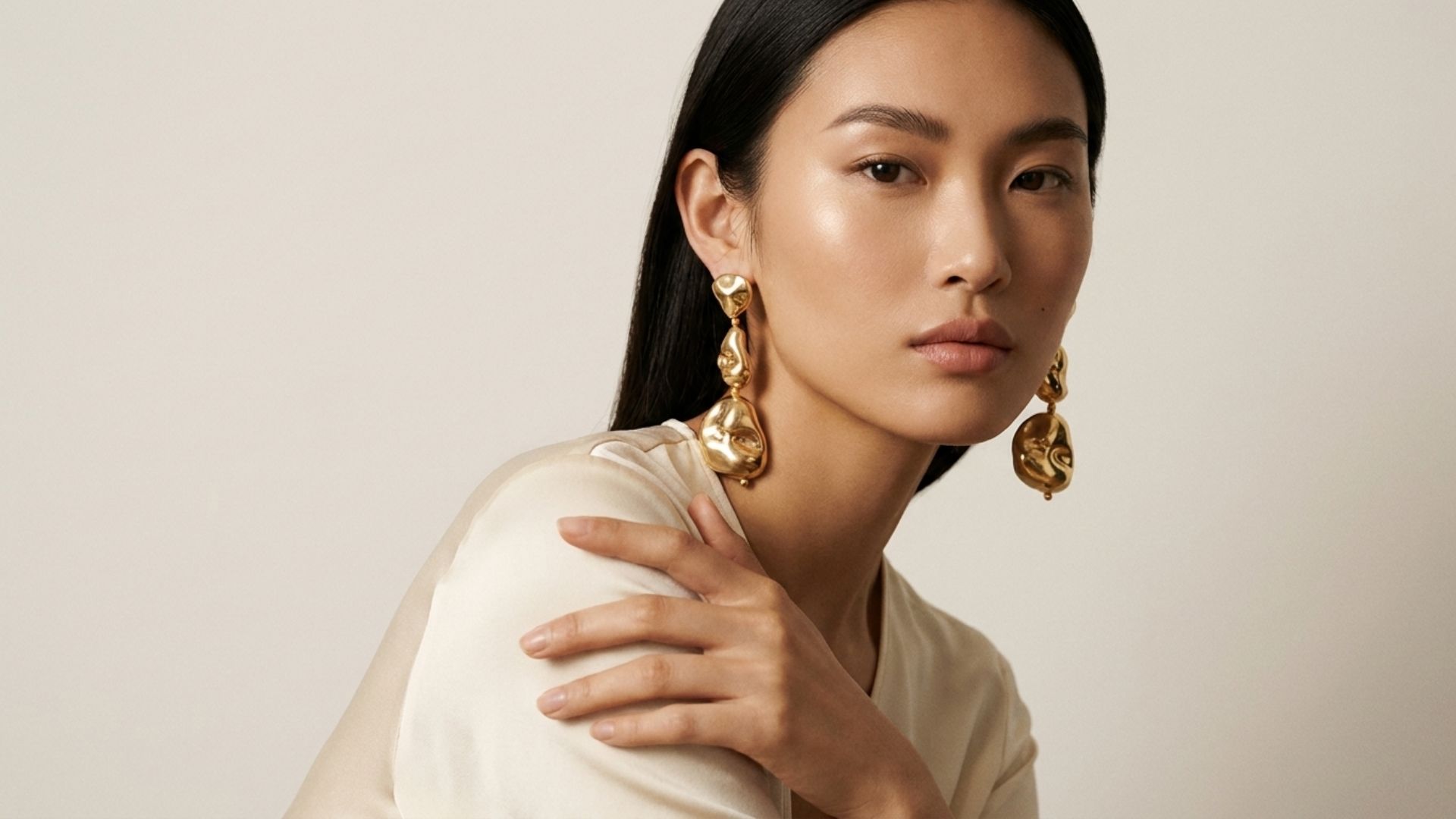
Tier 3: How to Create a Custom Brand AI Model (Or a Digital Twin of Real Talent)
This is the moat. A custom brand model is trained specifically on your brand, your product, your codes, your aesthetic, and nobody else uses it. A digital twin goes one step further: a licensed AI version of a real model the brand already works with, so the face in the campaign is their talent, not a generic library.
What gets trained:
Face and body: consistent identity across every generation.
Pose library: your brand's specific stance, attitude, and styling.
Lighting and color: your editorial grade, not a generic AI wash.
Brand codes: recurring accessories, silhouettes, and environments.
Timeline. Two to four weeks of onboarding. You provide reference campaigns, brand guidelines, and (for a digital twin) licensed footage and a signed release. The platform trains an exclusive model for your account and validates it against a shot set your team approves. After that, every generation takes seconds, and stays recognizably yours across seasons.
Who's doing this today. Caimera runs custom brand models and digital twins for H&M, Puma, Steve Madden, Bestseller, Superdry, Skechers, GAS, 6TH Street, and Apparel Group. That's the evidence this tier is production-ready, not a pitch-deck promise.
Legal indemnification is the tier-3 differentiator procurement teams actually ask about. It sits alongside rights-free outputs and enterprise-grade security in Caimera's trust posture.
Cost. Enterprise starts at $1,500/month and scales on volume. That's the floor. In exchange:
An exclusive model nobody else on the platform uses.
Digital twins of licensed talent, used legally in paid media.
Legal indemnification for AI content, the single biggest blocker procurement teams ask about.
DAM, Shopify, and SSO integration so your team doesn't pile on another silo.
When Tier 3 is the right call: You're running paid media at scale. Your legal team asks about indemnification before any new tool lands. Your brand book is specific enough that a stock library can't approximate it. You'd like the same model face across every campaign for the next three seasons, not a different one each drop.
Running Enterprise-volume drops? Request a demo to see a custom brand model trained on your last campaign.
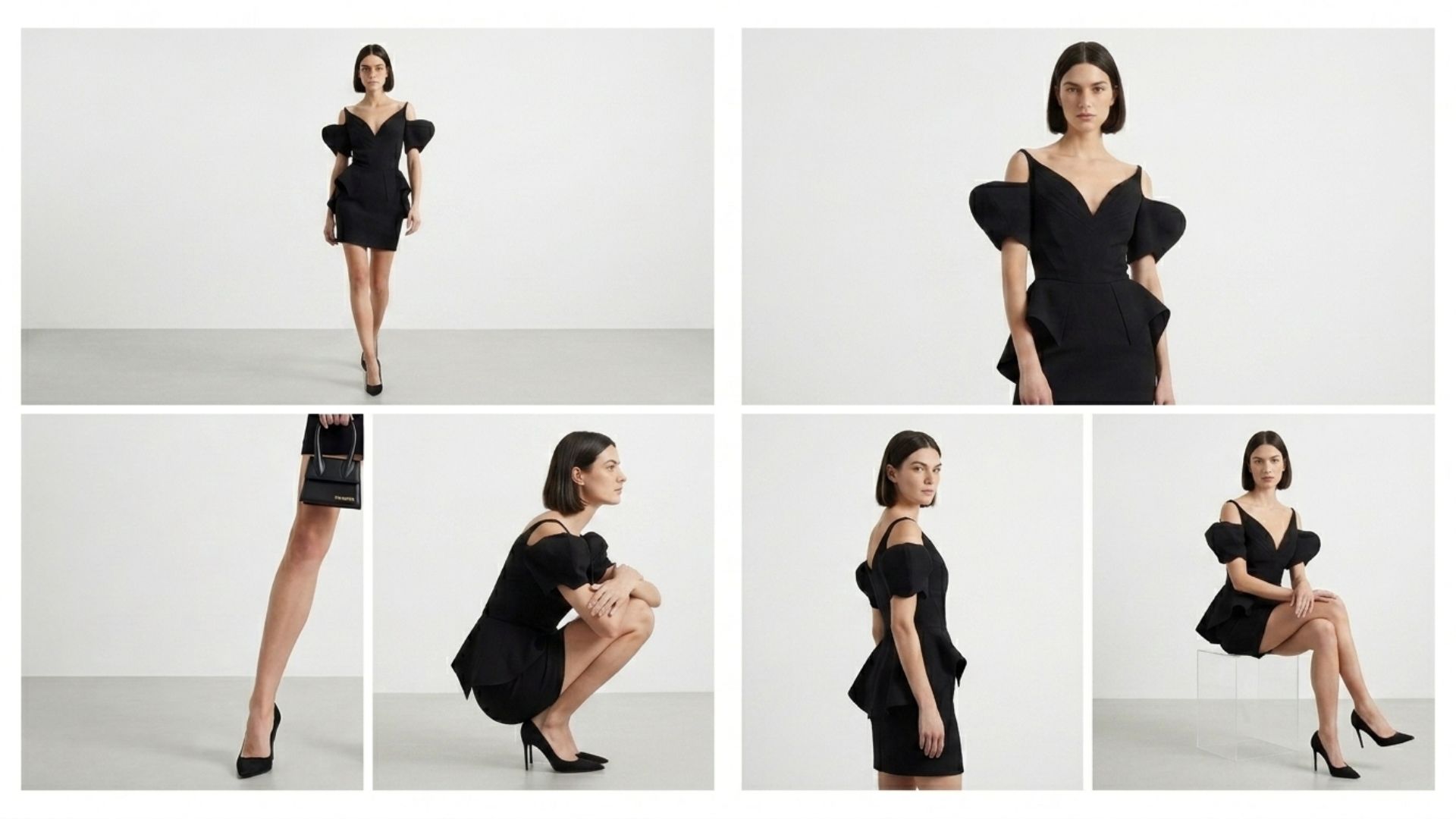
How to Keep Your AI Fashion Model Consistent Across a Whole Catalog
Consistency is where every tier gets tested. Here's what breaks it, and how each tier solves it.
Seed drift. In Tier 1, the same prompt with a different seed produces a different face. Solution: lock seeds and keep a master prompt template. In Tiers 2 and 3, the platform handles it.
Pose repetition. If every SKU ships with the same hip-popped stance, the catalog reads robotic. Solution: build a pose library, 8–12 vetted poses you rotate.
Background continuity. Mixing studio seamless with a generated lifestyle backdrop mid-catalog reads amateur. Pick one system per collection and hold the line.
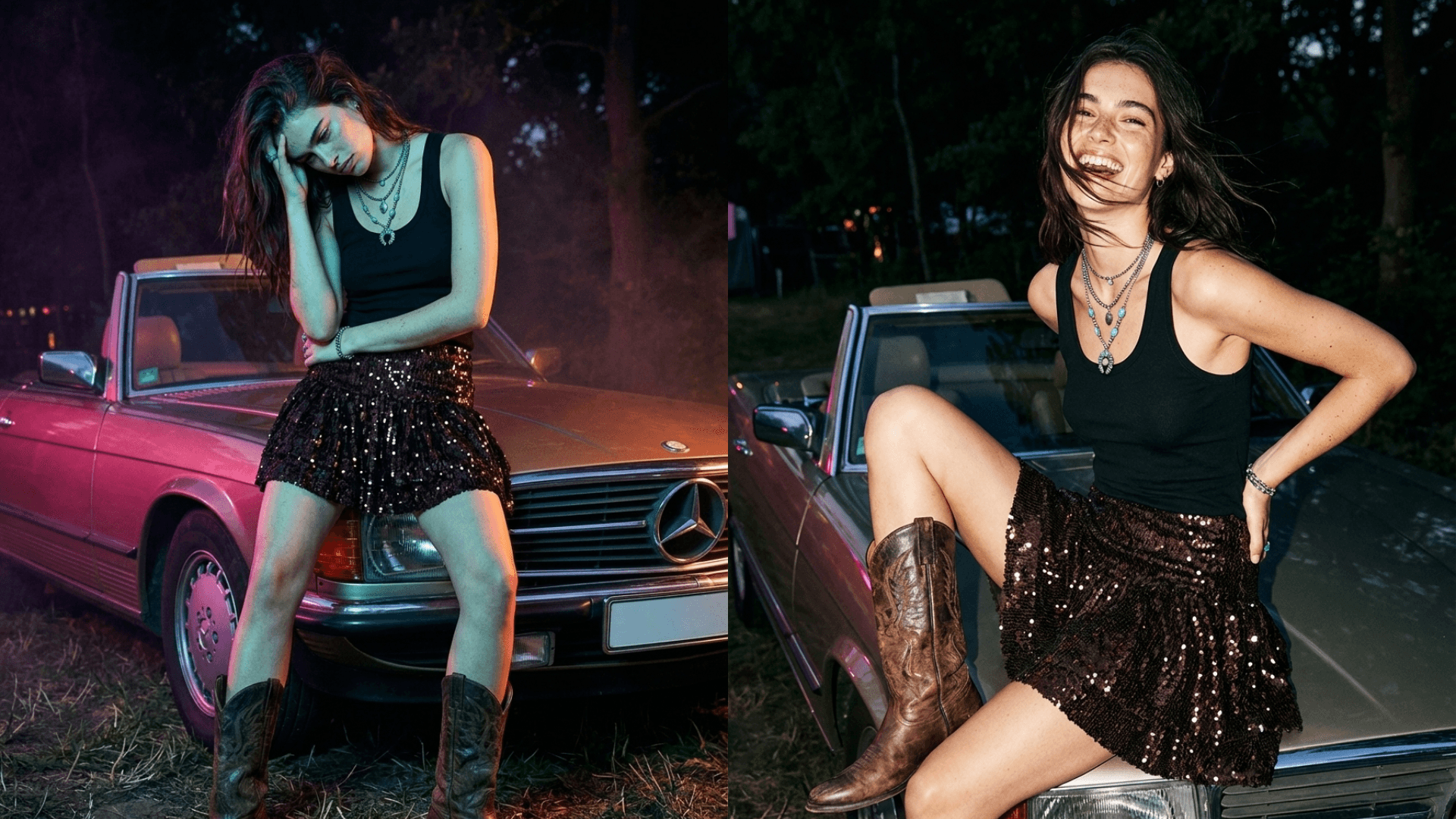
Fabric and material truth. Sequins, leather, and micro-prints are where AI still fails most often. Bump resolution to 4K before export, or swap to a fashion-trained model library that knows fabric drape.
The Tier 3 custom-brand-model answer to all of this is: the model was trained on your brand codes, so most of this is solved before the first generation. For a deeper look at what that consistency actually buys you, see how fashion brands use Caimera to maintain brand consistency with AI-generated images.
Brand-Safe AI vs. AI Slop: What Actually Separates Them
Generic AI output has tells. Not the ones from 2023, current models fixed the obvious stuff. The 2026 tells:
Melted logos. Your wordmark warps across the chest. The ampersand inverts. The font weight is off.
Wrong fabric textures. Denim looks like canvas. Leather looks like vinyl. Sequins blur into glitter.
The same face across every SKU. The stock library is narrow. You notice by the third product that everyone on the site is the same person.
Waxy skin. Over-smoothed, plastic, zero pore texture. A dead giveaway on a beauty shoot.
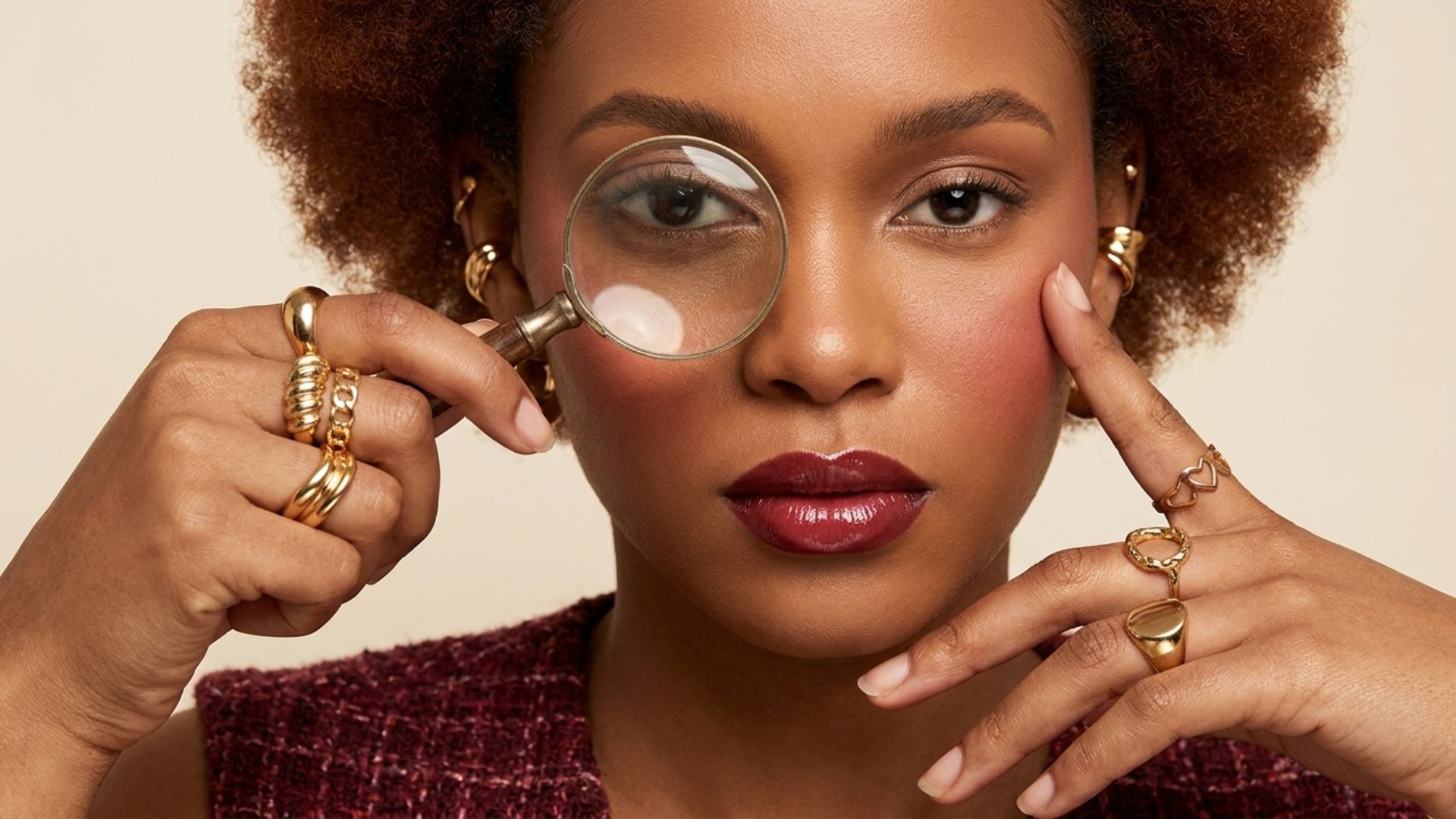
Warped jewelry. Earrings disappear into hair. Rings fuse with fingers. Watches grow a second dial.
Brand-safe AI output happens when the model was trained for fashion and e-commerce, not for generic "AI art", and when there's a human in the loop directing it. Caimera's fashion-specific training plus unlimited free edits on every paid plan is the version of this most brands ship.
Rights, Legal, and AI Disclosure for AI Fashion Models
This section is where most DIY tutorials dodge. Don't.
Who owns the AI fashion model you created? Tier 1: you, subject to the caveats of your base model's license, read it. Tier 2: you own the outputs; rights-free on paid Caimera plans. Tier 3: you own the model outright in most Enterprise agreements, including the digital twin where the talent has licensed it.
Training data provenance. If your tool trained on scraped data with opaque licensing, that's a procurement risk. Ask the vendor for their training-data statement.
AI disclosure laws. New York's AI disclosure law went into effect April 1, 2026 — here's the full brand-side explainer. The EU AI Act's transparency articles apply to AI-generated images in marketing. Both require disclosure on the output, not the tool. Build the disclosure metadata into your DAM pipeline before the next drop.
Legal indemnification. Enterprise-tier Caimera includes legal indemnification on AI content used in paid media. If your legal team has flagged AI creative as a risk, this is the answer they're looking for.
One mid-market fashion marketplace almost stopped shipping when its compliance team read the EU AI Act and realized none of its AI-sourced catalog imagery had provenance metadata. They moved to a Caimera Enterprise seat for one quarter, got the indemnification and the disclosure-metadata pipeline, and shipped their spring drop on schedule. The legal review took one afternoon. The old tool had cost them three months.
FAQs
How much does it cost to create an AI fashion model? Tier 1 (DIY on Flux or Z-Turbo) costs roughly $0 in software plus 10–20 hours of engineering time and a GPU you may already own. Tier 2 (fashion-specific tools like Caimera) starts at $15/month. Tier 3 (a custom brand model, usually including a digital twin and legal indemnification) starts around $1,500/month on Enterprise. The per-image cost in every tier is 95–99% lower than a traditional studio day.
Can I use my own model's face as an AI fashion model? Yes, that's a digital twin. You need a signed release from the model, clear commercial terms, and a platform that supports exclusive training. Caimera runs digital twins on Enterprise for exactly this workflow.
Is an AI fashion model legal for commercial use? On any paid Caimera plan, the output is rights-free for commercial use. Enterprise adds legal indemnification. Tier 1 DIY output is yours subject to the license of the base model you trained on, check Flux and Z-Turbo terms before paid media. Generic consumer AI tools have looser commercial-use terms and no indemnification, which is why most enterprise buyers won't greenlight them.
Do I need to label AI fashion model images on my website? Increasingly, yes. New York's AI disclosure law (effective April 1, 2026) and the EU AI Act's transparency articles require disclosure on AI-generated marketing imagery in their jurisdictions. Build the metadata pipeline now; retrofitting it is harder than putting it in from the start.
How long does it take to create a custom AI fashion model? Two to four weeks on a tool built for it (Caimera Enterprise onboarding). The time is spent collecting reference material, training, validating against your shot list, and integrating into your existing stack (DAM, Shopify, SSO).
What's the difference between an AI fashion model and a digital twin? An AI fashion model is a generated person, trained from scratch or selected from a library. A digital twin is an AI version of a real person the brand has licensed. Same output format, very different rights story.
Pick the Tier, Then Ship the Drop
The question isn't "should I use AI fashion models." The brands winning in 2026 already do. The question is which tier fits your volume, your legal surface, and your brand ambition.
You're a technical solo founder building a small collection: Tier 1. Flux or Z-Turbo with LoRA. Learn the craft.
You ship 10–100 SKUs a month and want clean, on-brand catalog and editorial: Tier 2. A fashion-specific tool like Caimera. Start free, scale to Pro.
You run paid media at volume, your legal team cares about indemnification, and your brand needs a face nobody else has: Tier 3. Custom brand model plus digital twins on Enterprise.
The brands that get this right, H&M, Puma, Steve Madden, Bestseller, don't pick one and defend it. They layer. Stock library for catalog, custom model for campaign, digital twin for paid media. The stack maps to the work.
Try Caimera free with 20 credits — no card required. Running Enterprise-volume drops? Book a demo to see a custom brand model trained on your last campaign.
Keep exploring: See our AI fashion model generator and the guide to AI generated models.