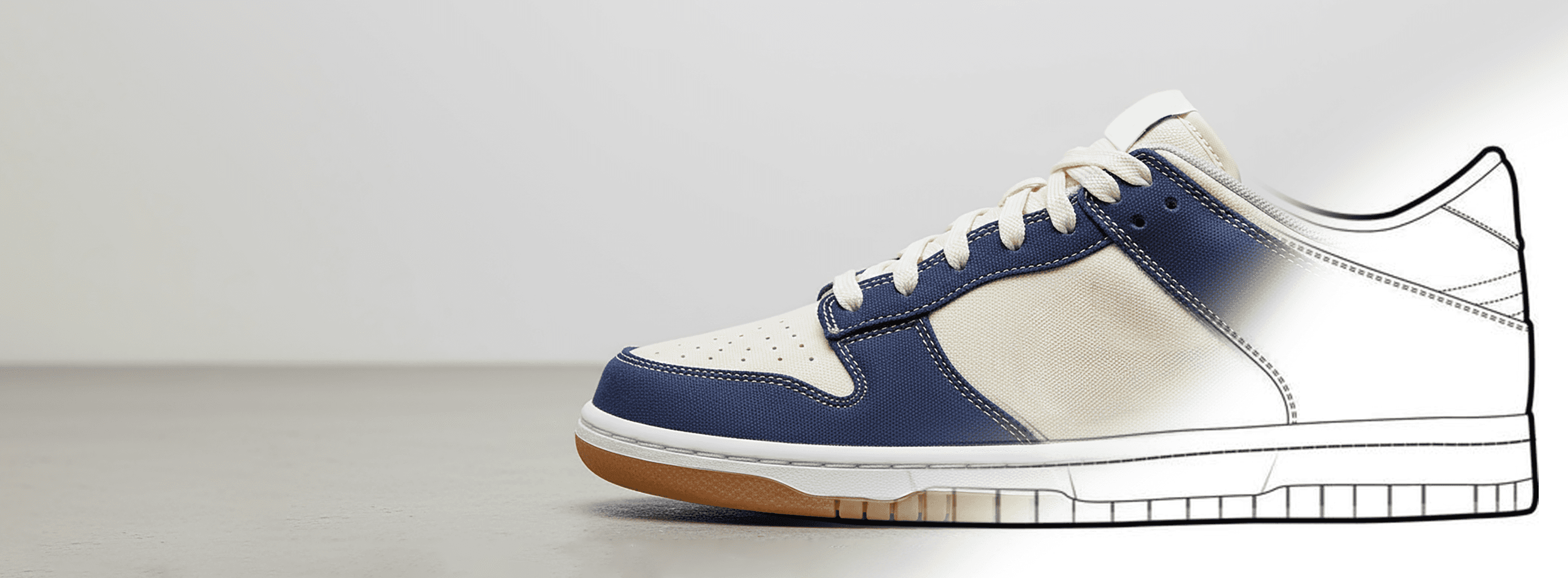
Turn sketches into realistic product images with Sketch to Image AI.










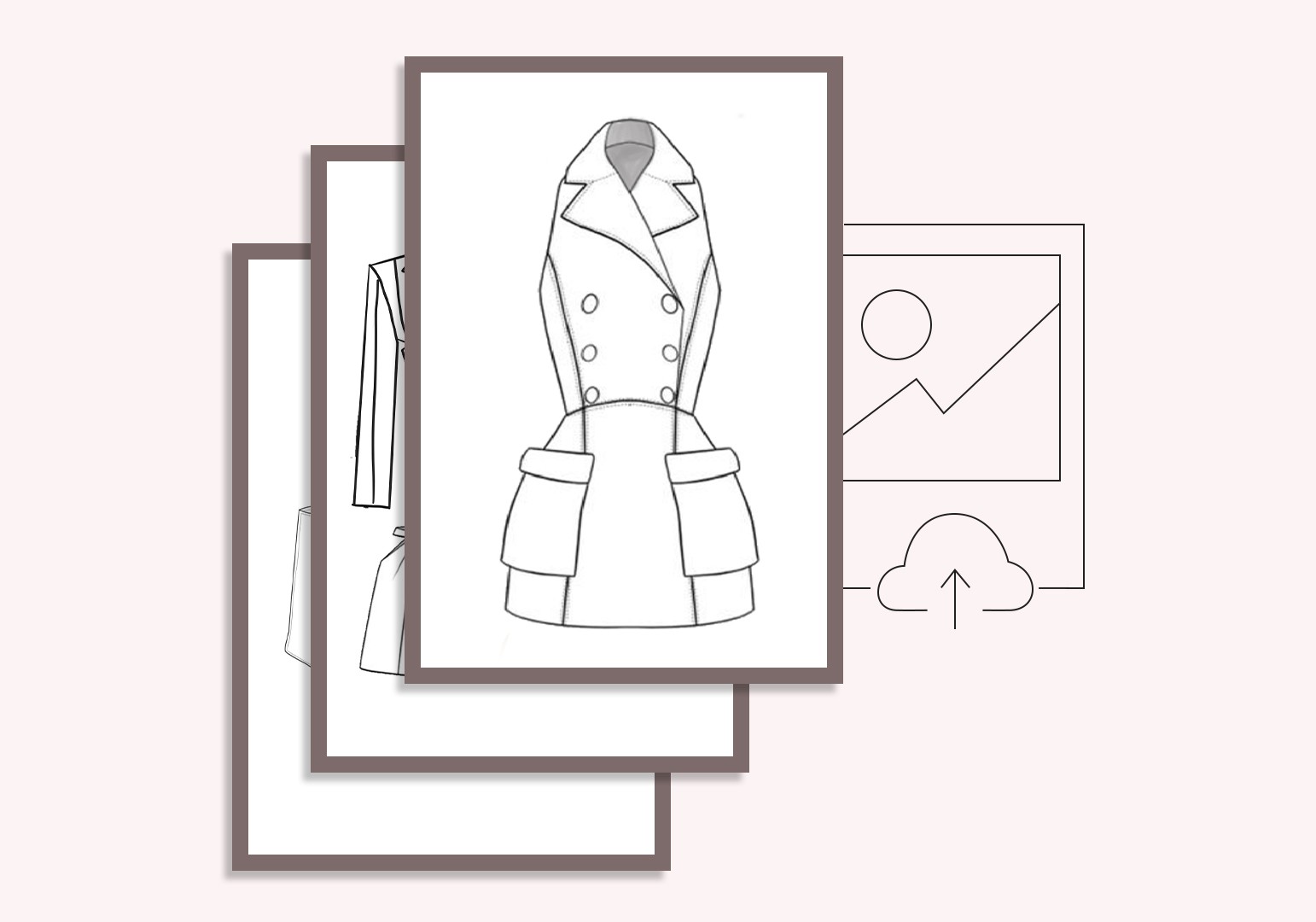
How Sketch to Image turns a sketch into a realistic image







Frequently asked questions
What is Caimera's Sketch to Image tool and how does it help fashion designers?
Sketch to Image converts hand-drawn or digital fashion design sketches into realistic, detailed product images using AI. Upload your sketch, define material and colour preferences, and the AI generates photorealistic product visuals - letting designers visualise and present collections before committing to physical sampling or production.
How accurate are the AI-generated images compared to my original fashion sketch?
Caimera's Sketch to Image is engineered for super-accurate detail - preserving silhouette, proportion, seam placement, print positioning, and structural features from your source sketch. The AI renders custom material details (denim, silk, jersey, outerwear fabrics) based on your direction, producing high-fidelity product visuals that closely reflect your design intent.
Can I use Sketch to Image to visualise fabric prints and patterns on garments?
Yes. The Print Preview feature lets you apply specific prints and patterns to your sketches before production. You can see how a floral print, stripe, or graphic sits on the garment's panels and seams - a critical step for reducing print sampling costs and making confident production decisions earlier in the design process.
What types of fashion sketches does the tool accept?
Sketch to Image works with flat fashion sketches (technical flats/CADs), fashion figure illustrations, and rough concept sketches. Both hand-drawn scanned images and digital sketches from tools like Illustrator, CLO3D, or Browzwear are compatible. Clear line definition produces the best results.
How can converting fashion sketches to realistic images reduce sampling costs?
Physical sampling is one of the most significant cost centres in fashion development. By generating photorealistic visuals from sketches first, design teams can review, refine, and get stakeholder sign-off on designs before ordering a single sample. Brands using this approach report reducing sampling rounds by 30–50%, translating to significant material and production cost savings.
Can Sketch to Image be used for clothing design presentations and buyer meetings?
Yes. Converting fashion sketches to realistic product visuals dramatically improves the quality of buyer presentations, investor decks, and design review meetings. Instead of presenting technical flats or mood board collages, brands can show photorealistic garment visuals that communicate how the final product will look - significantly improving buyer confidence.
Is Sketch to Image useful for sustainable fashion brands trying to reduce physical waste?
Absolutely. By validating designs digitally before physical sampling, brands can reduce the number of samples ordered, minimise fabric waste, and make more informed production decisions. This aligns directly with sustainable fashion principles - using digital tools to reduce the material cost of the design process.
Can I use Sketch to Image for products beyond clothing - like footwear, bags, or accessories?
Yes. Sketch to Image is described as a versatile, multi-purpose tool that works across a wide range of fashion and lifestyle product categories including footwear, handbags, accessories, and homeware with textile elements. The AI adapts material rendering to the specific product type.
How does AI sketch-to-image compare to 3D garment rendering software like CLO3D?
3D garment rendering tools like CLO3D produce highly technical simulations with accurate fabric physics, but require significant technical skill, software investment, and setup time per garment. Sketch to Image offers a faster, more accessible entry point - ideal for rapid concept visualisation and presentation-level imagery without the technical overhead of full 3D simulation.
Can AI fashion sketch conversion help with clothing design for new collections?
Yes. Sketch to Image accelerates the early ideation and development phase of clothing design. Designers can rapidly iterate on silhouette, colour, fabric, and detail by generating photorealistic visuals from updated sketches in minutes - reducing the feedback loop between design, production, and commercial teams significantly.
Can I convert a fashion sketch to SVG?
Yes. If you start from a photo or raster image, Image to Sketch turns it into a clean CAD-style line drawing you can export as editable SVG strokes. Edit the vector in Illustrator or Figma, or upload it straight back into Sketch to Image for a realistic render.
Can I turn a sketch into an on-model image?
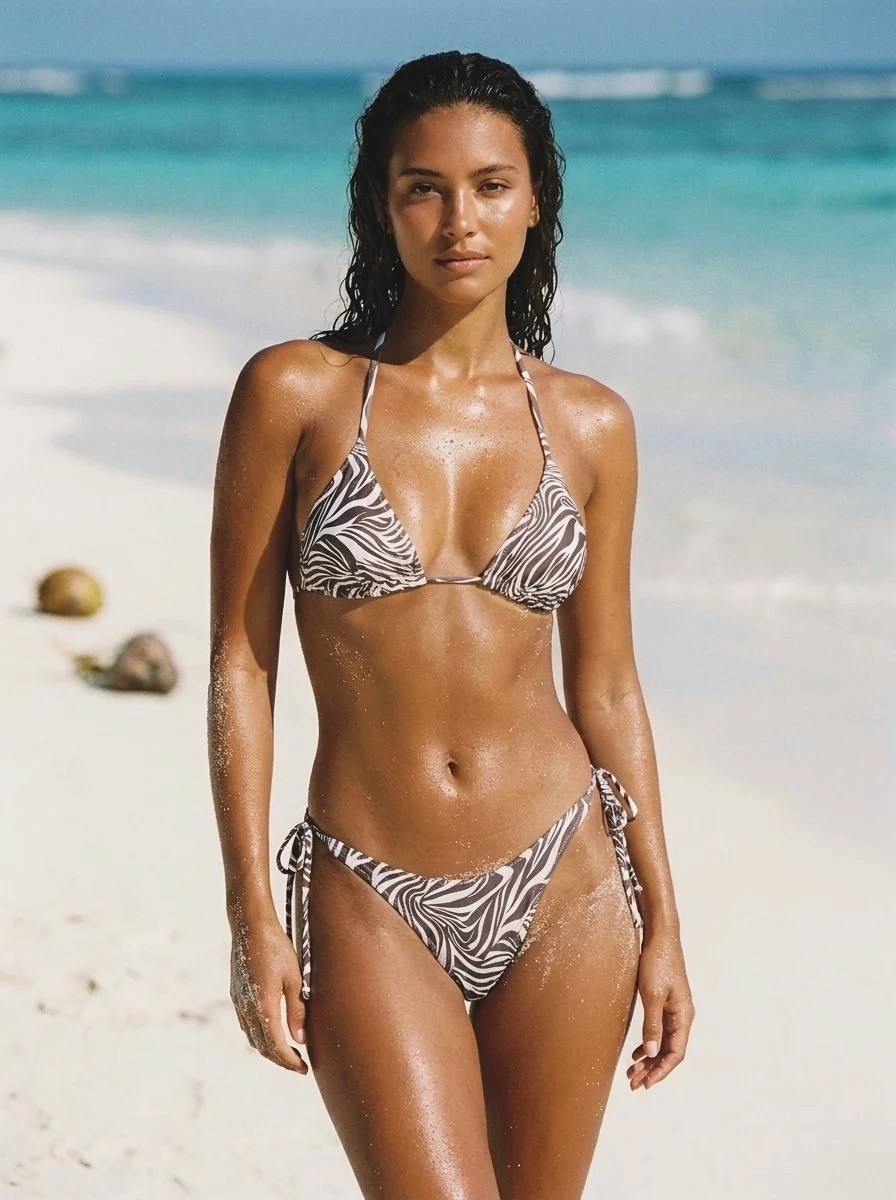
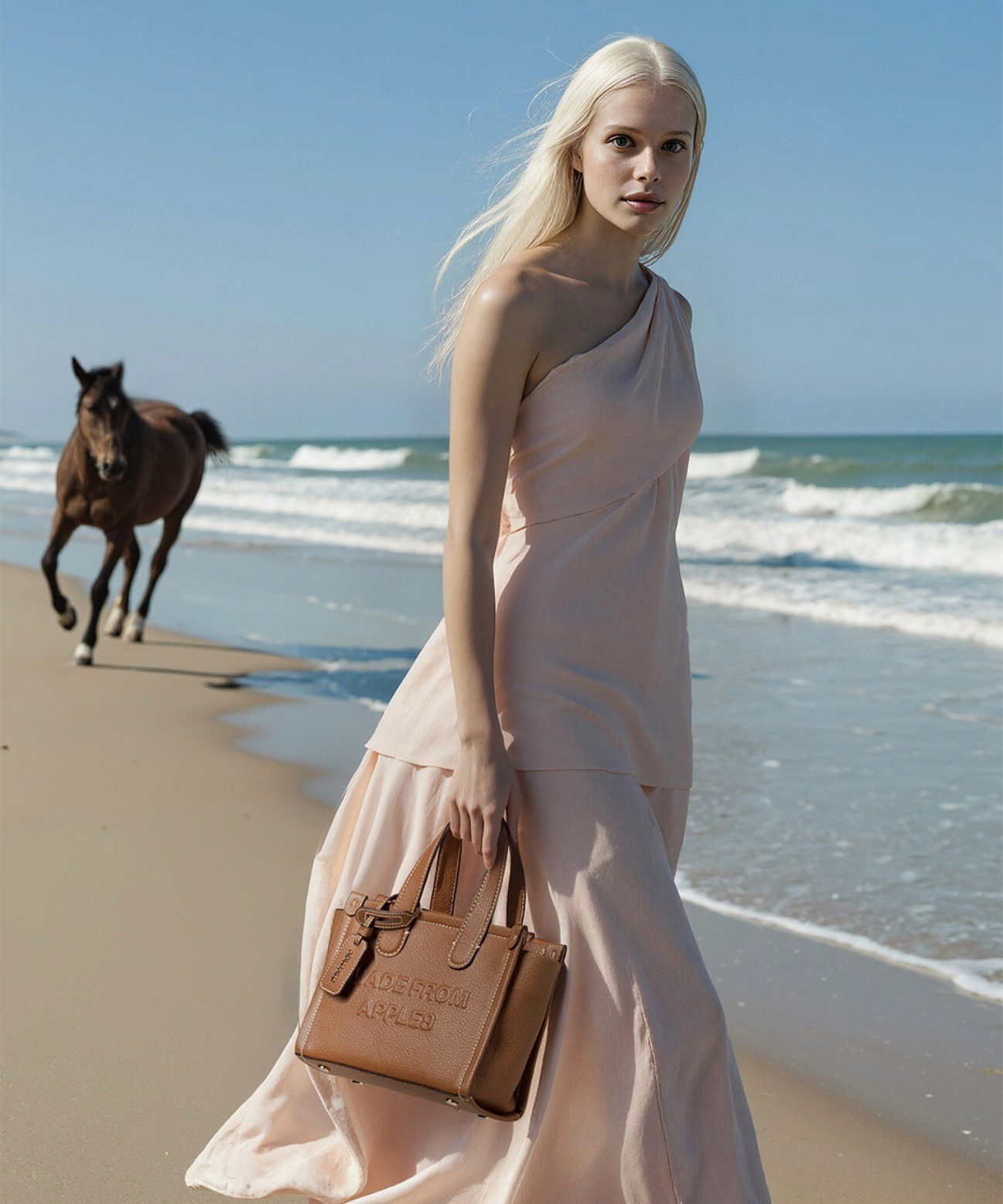
Yes, in two steps. Render the sketch as a flat lay first so the garment details are locked, then use Flatlay to Catalog to place it on a model across poses and backgrounds. Going straight from sketch to model in one step tends to lose details.
Is there a free sketch to image AI?
Yes. Caimera's Free plan includes 20 credits with no card required, which is enough to test Sketch to Image on a few of your own designs before you pick a plan.