AI Photography Tools to Replace Expensive Photoshoots in 2026

Prateek Gupte
A fashion photoshoot used to mean one thing: studio bookings, model agencies, lighting crews, and invoices that hit five figures before you had edited a single frame.
That is changing fast.
AI photography tools have matured to a point where brands are generating on-model images, product photos, ghost mannequin shots, and full lookbooks without setting foot in a studio. Reports show brands saving up to 80% on photography costs. The AI-generated fashion photography market is on track to reach $6.1 billion by 2029.
But not every tool does the same thing. Choosing the wrong one costs you time, money, and brand credibility.
This guide covers 17 AI photography tools across two categories: fashion and on-model photography, and general AI product photography. For each tool, you will find what it does, who it is built for, what it costs, and where it falls short. No fluff.
Quick Comparison: AI Photography Tools at a Glance
Use this table to find your best match before diving into the full breakdowns below.
Tool | Best For | Pricing (from) | Category |
Caimera.ai | Realistic on-model ecommerce photography | Paid plans | Fashion / On-Model |
Botika.io | Shopify brands, quick AI model shots | From $22/mo | Fashion / On-Model |
Fashn.AI | Virtual try-on, garment fit realism | Credit-based | Fashion / On-Model |
Lalaland.ai | Diverse AI fashion model generation | Enterprise / API | Fashion / On-Model |
ZMO.ai | Background swap + model generation | From $9.9/mo | Fashion / On-Model |
Uwear.AI | Garment-first visualization | Free + Paid | Fashion / On-Model |
Claid.ai | All-in-one ecommerce image suite | From $9/mo | General Product |
Photoroom | Mobile-first product editing | From $9.99/mo | General Product |
Pebblely | Lifestyle backgrounds for products | From $19/mo | General Product |
Adobe Firefly | Creative AI image generation | Included in CC | General Product |
Pixelcut | Mobile app, fast edits | Free + Paid | General Product |
SellerPic | UGC-style visuals + virtual try-on | From $29/mo | General Product |
Nightjar | Catalog consistency at scale | Enterprise | General Product |
Pixa | Free AI product photos | Free + Paid | General Product |
Remove.bg | Background removal specialist | Free + Paid | General Product |
Caspa AI | Lifestyle product photography | From $23/mo | General Product |
Magic Studio | All-in-one creative toolkit | Free + Paid | General Product |
Fashion and On-Model AI Photography Tools
These tools are built specifically for apparel and fashion photography. They understand garments, fabric, fit, and model diversity in ways that general AI image generators do not.
1. Caimera.ai - Best for Realistic On-Model Ecommerce Photography
Category: Fashion / On-Model Photography
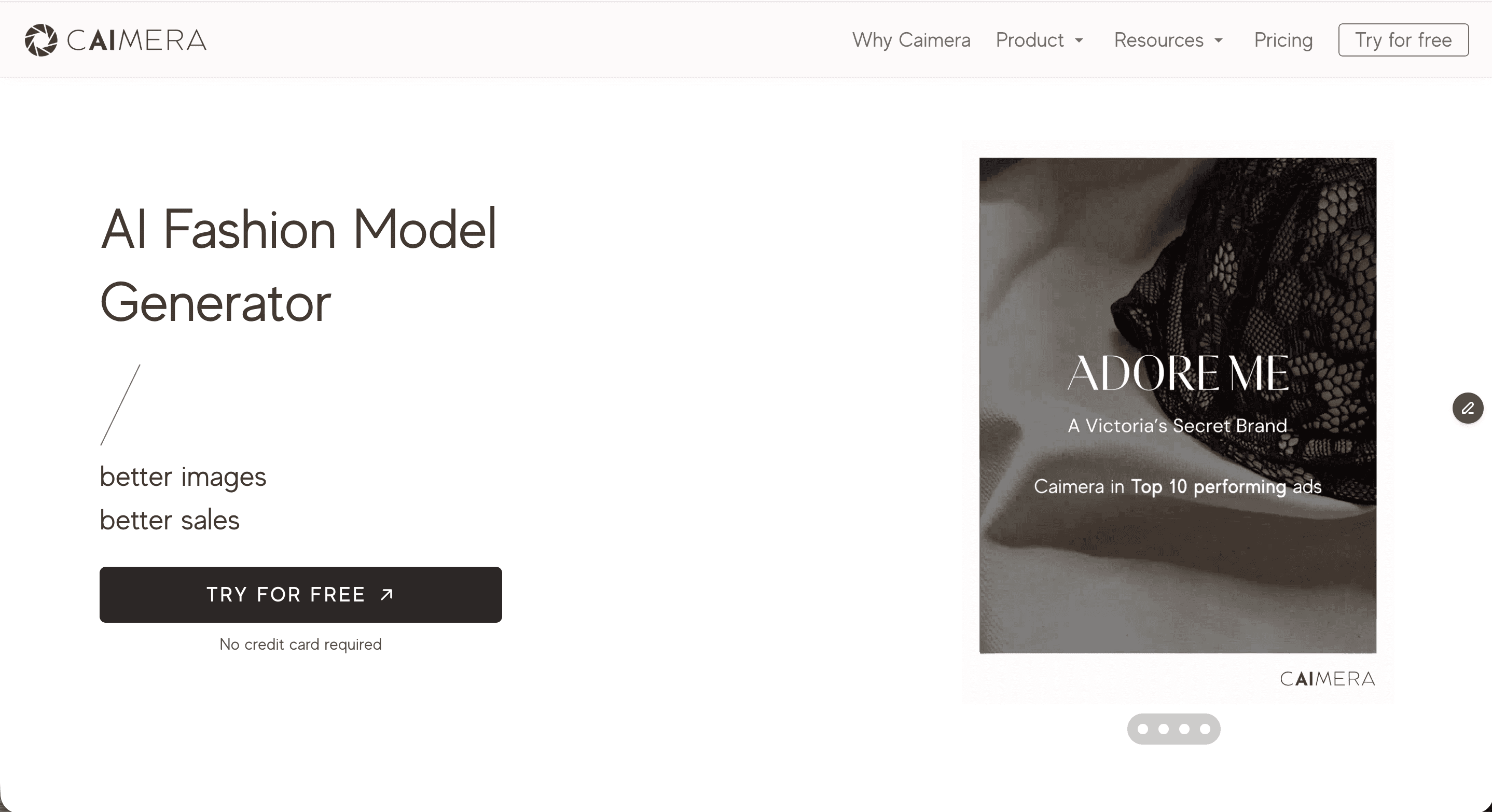
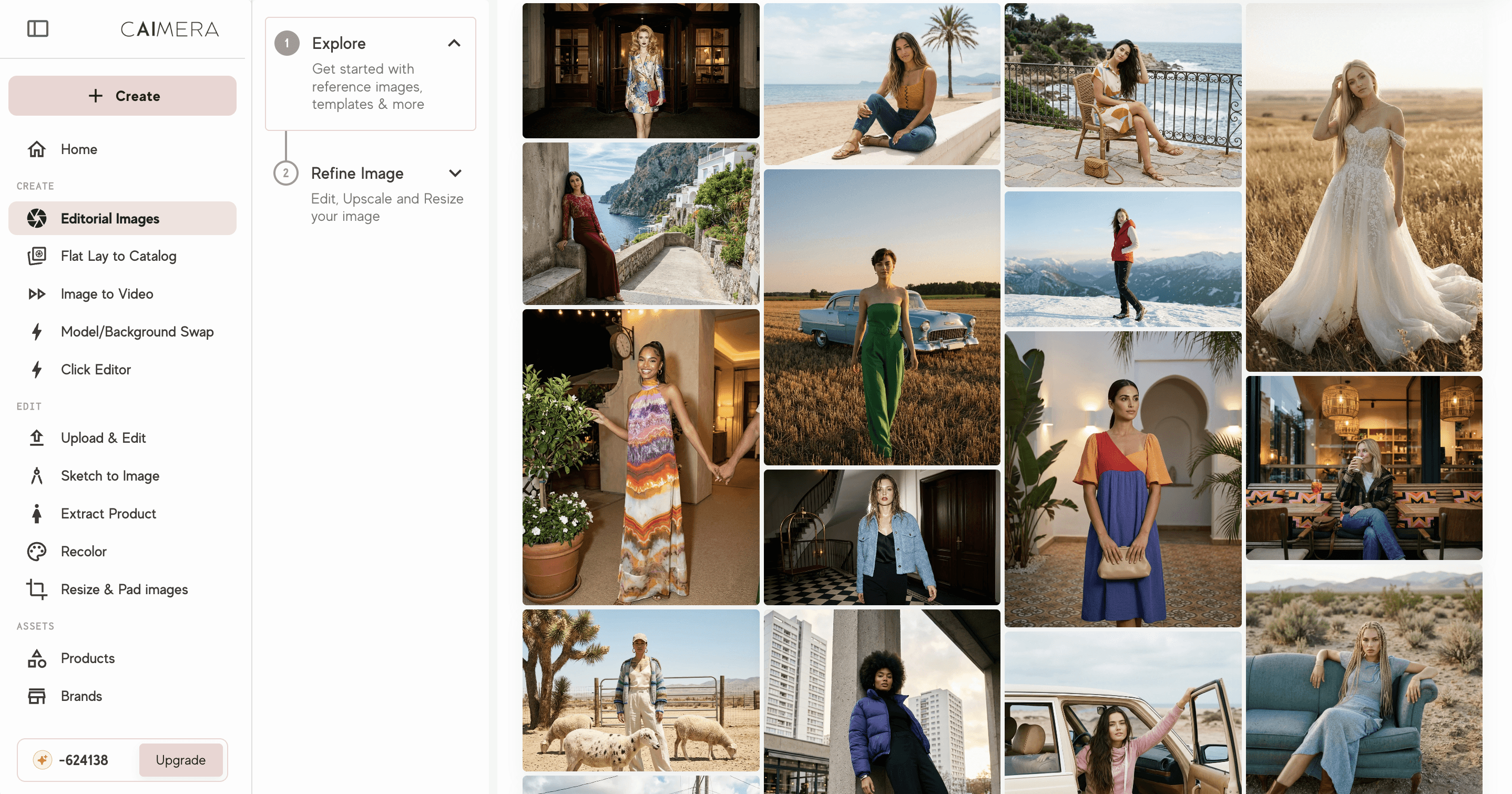
Caimera.ai is an AI-powered fashion photography platform built for ecommerce brands. It produces studio-quality on-model images without a studio. It is not a generic image generator. It is purpose-built for fashion: garment accuracy, model diversity, and brand consistency across entire catalogs.
The platform converts flat lays or ghost mannequin shots into on-model photos. It also generates editorial images, produces ghost mannequin photography, converts images to video, and lets you visualize designs from sketches.
What sets it apart from general AI tools is product accuracy. Caimera preserves fabric texture, print details, and garment construction. Research shows 75% of online shoppers rely on product photos when making purchase decisions.
What Caimera Does
Converts flat lays or ghost mannequin images into on-model photos with no physical shoot needed
Generates editorial-style images for lookbooks, social media, and campaigns
Produces ghost mannequin photography for 3D product presentation
Image to video conversion for product animations and social content
Sketch to image for visualizing designs before sampling
Diverse AI model library with different body types, ethnicities, ages, and sizes
Model consistency tools so you can use the same AI model across your entire catalog
Who It Is Built For
D2C fashion brands needing catalog photography without photoshoot budgets
Ecommerce retailers running high SKU volumes who need consistent, fast output
Innerwear, swimwear, lingerie, and activewear brands where on-model presentation drives conversion
Fashion agencies managing multiple brand clients with tight turnaround times
Brands expanding into new markets who need localized model representation
Key Metrics (as reported by Caimera)
70-95% cost reduction vs. traditional photoshoots. Consistent with industry data showing 95.6% of top ecommerce brands use on-model photography as their primary format.
80% faster content production
50-57% higher CTR on AI-generated images vs. standard product shots
Pricing
Caimera pricing is credit-based depending on volume. Free trial available before committing.
Limitations to Know
Works best with standard garment categories. Complex draping, sheer fabrics, and heavy embellishments may need multiple iterations.
Human review before publishing is part of the workflow. Read our guide on common AI image mistakes to avoid the most avoidable errors.
2. Botika.io - Best for Shopify Brands Needing Quick AI Model Photos
Category: Fashion / On-Model Photography
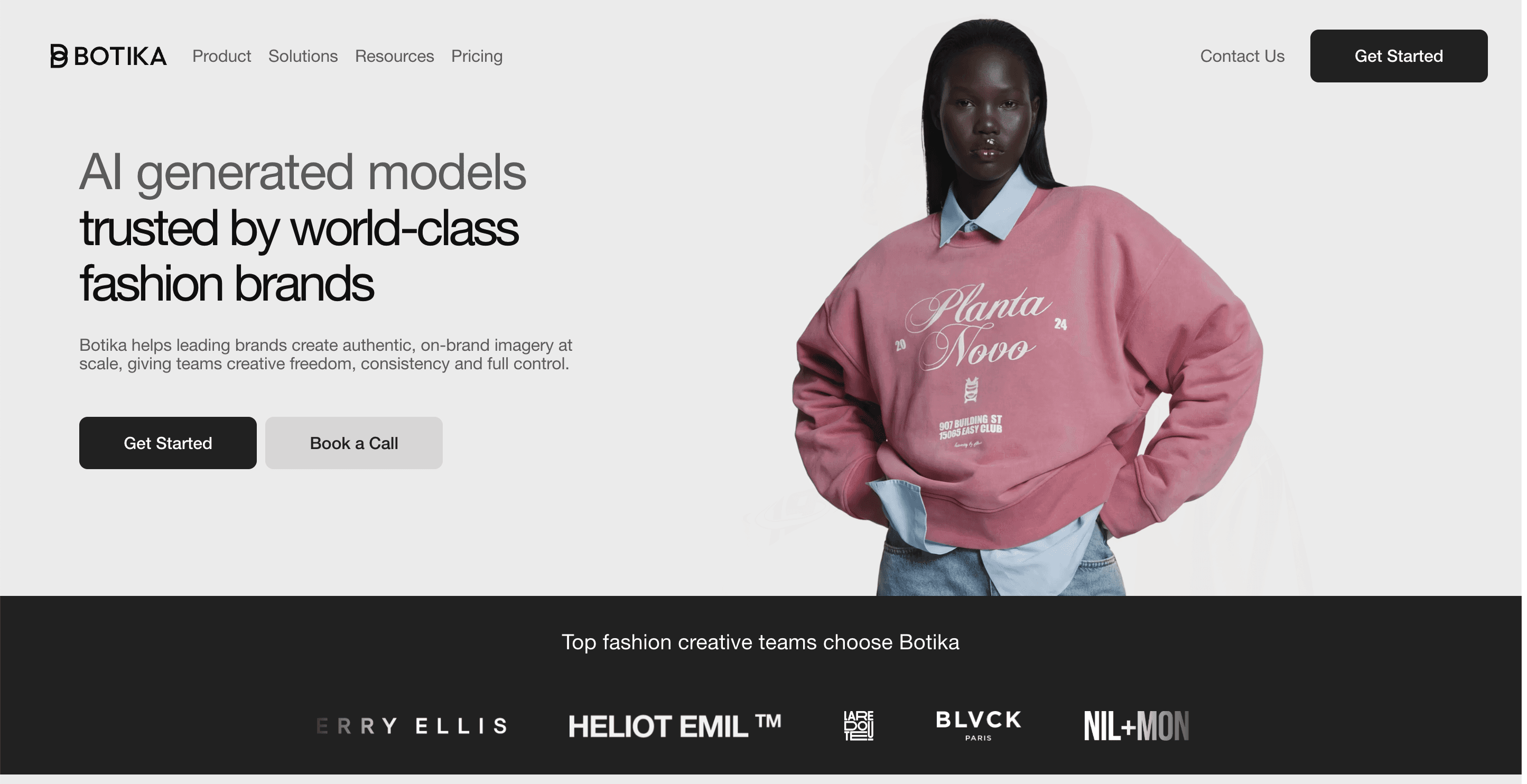
Botika is an established AI fashion model generation tool. It is built primarily for Shopify merchants who want to quickly turn flat lay or ghost mannequin images into on-model photos. The Shopify app integration makes it accessible for brands that do not want to step outside their commerce backend.
What Botika Does
Converts flat lays and mannequin shots into on-model images
Model library with multiple body types, ethnicities, and poses
AI video generation from static product images
Shopify app with native platform integration
Basic background customization options
Who It Is Built For
Small and mid-sized fashion stores on Shopify
Brands prioritizing speed over deep creative control
Merchants who need on-model imagery without leaving their commerce workflow
Pricing
Botika pricing starts with a free trial including 8 welcome credits. Paid subscriptions start at approximately $22/month for up to 20 photos. Enterprise pricing is available for higher volumes.
Limitations to Know
Focused on on-model conversion. You will need separate tools for retouching, format optimization, or non-fashion product categories.
Realism quality varies. For brands where product accuracy in on-model imagery is critical, test outputs carefully before full deployment.
Video outputs are basic compared to dedicated video AI tools
Less creative control over lighting and pose direction than studio-grade alternatives
Cons
Does not support multiple product category eg. shoes, jewelry, bags and accessories.
Output quality is inconsistent - users report that a high proportion of images require manual re-edits or are unusable
Model library has limited diversity in accessories, hairstyles, and male model options
Billing and cancellation issues are frequently reported by users
Customer support response times are slow, especially for urgent production issues
Less suitable for complex garments or premium fashion where output accuracy is critical
3. Fashn.AI - Best for Virtual Try-On and Garment Fit Realism
Category: Fashion / On-Model Photography
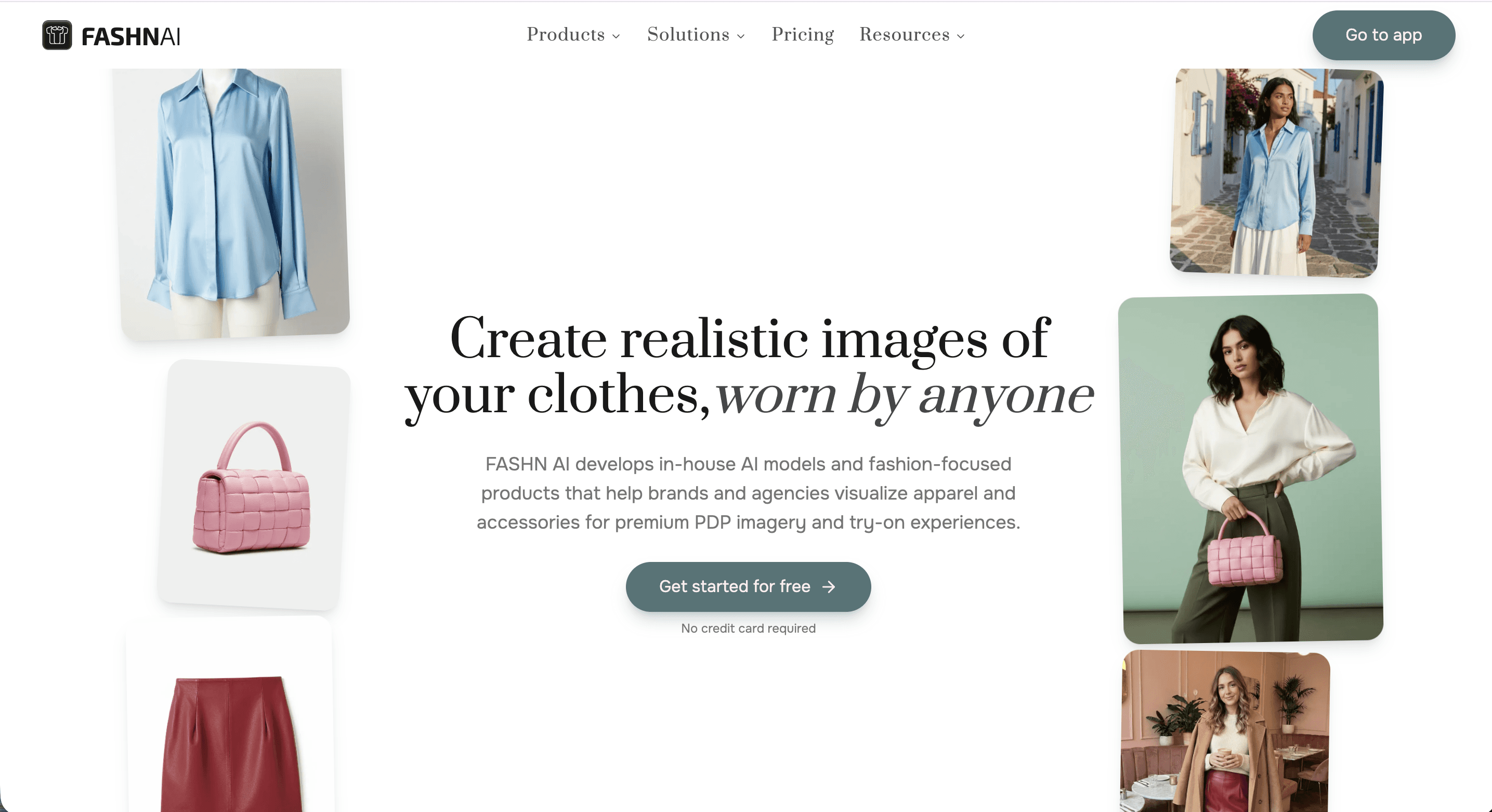
Fashn.AI focuses on virtual try-on technology. It is built to show garments on models or on shoppers themselves, with high attention to garment fit and drape accuracy. The output tends to prioritize how the clothing looks, not just what it looks like.
What Fashn.AI Does
Virtual try-on: place garments onto models or customer-uploaded photos
Garment-to-model generation with fit and drape simulation
4K image output quality
Video generation from static garment images. See Caimera image to video for a fashion-native alternative.
API access for integration into existing product workflows
Who It Is Built For
Brands where garment fit is a key purchase driver. Better product imagery reduces return rates significantly.
Ecommerce teams wanting to test virtual try-on for customer-facing features
Fashion agencies creating campaign visuals with AI models
Pricing
Fashn.AI pricing is credit-based. A free tier is available to test outputs. Paid plans scale with volume. API pricing is available for enterprise integration.
Limitations to Know
Stronger on campaign visuals than catalog-scale consistency across large SKU volumes. See how Blissclub scaled catalog photography as a reference for what purpose-built catalog tooling delivers.
Output quality varies across garment types. Structured tailoring renders more consistently than draped or loose garments.
Not natively integrated with major ecommerce platforms. API implementation is required for deeper workflows.
Cons
API implementation required for deeper workflows - not a simple plug-and-play for non-technical teams
Output quality varies across garment types: structured pieces render more consistently than draped or loose-fitting garments
Credit-based pricing with limited transparency makes cost forecasting difficult at volume
Weaker for catalog-scale SKU consistency than for campaign-level visuals
Limited multilingual support for brands operating outside English-language markets
4. Uwear.AI - Best for Garment-First Visualization
Category: Fashion / On-Model Photography
Uwear.AI takes a garment-first approach. You start with the clothing item and the tool places it onto AI-generated models. It is positioned around apparel visualization rather than photorealistic brand photography. It is useful for brands who need to see garments on bodies before committing to production samples or full photoshoots.
What Uwear.AI Does
Places garments onto AI-generated models from clothing images or descriptions
Visualizes clothing on different body types
On-model images from existing garment photos
Supports pre-production design visualization before physical sampling
Who It Is Built For
Fashion designers and brands in pre-production wanting to visualize garments before sampling
D2C brands needing affordable on-model representation
Smaller fashion businesses exploring AI photography for the first time
Pricing
Free tier available. Paid plans for higher volume. Pricing is accessible for smaller brands.
Limitations to Know
More visualization-focused than production-ready ecommerce photography. Read best practices for AI fashion imagery before going live.
Garment accuracy varies across categories. Works best with simpler cut-and-sew items.
Less suited to brands needing strict SKU consistency across large catalogs
Cons
Output is visualization-grade, not production-ready - images require additional work before use in ecommerce listings
Garment accuracy degrades with complex cuts, layering, or detailed prints
Not suited for large-catalog automation or strict SKU consistency across many products
Limited model diversity compared to dedicated fashion platforms
General AI Product Photography Tools
These tools are not fashion-specific, but they are widely used across ecommerce photography for product image creation, editing, background work, and image enhancement. Many fashion and lifestyle brands use them alongside specialist fashion tools to cover their full content workflow.
5. Claid.ai - Best All-in-One Ecommerce Image Suite
Category: General AI Product Photography
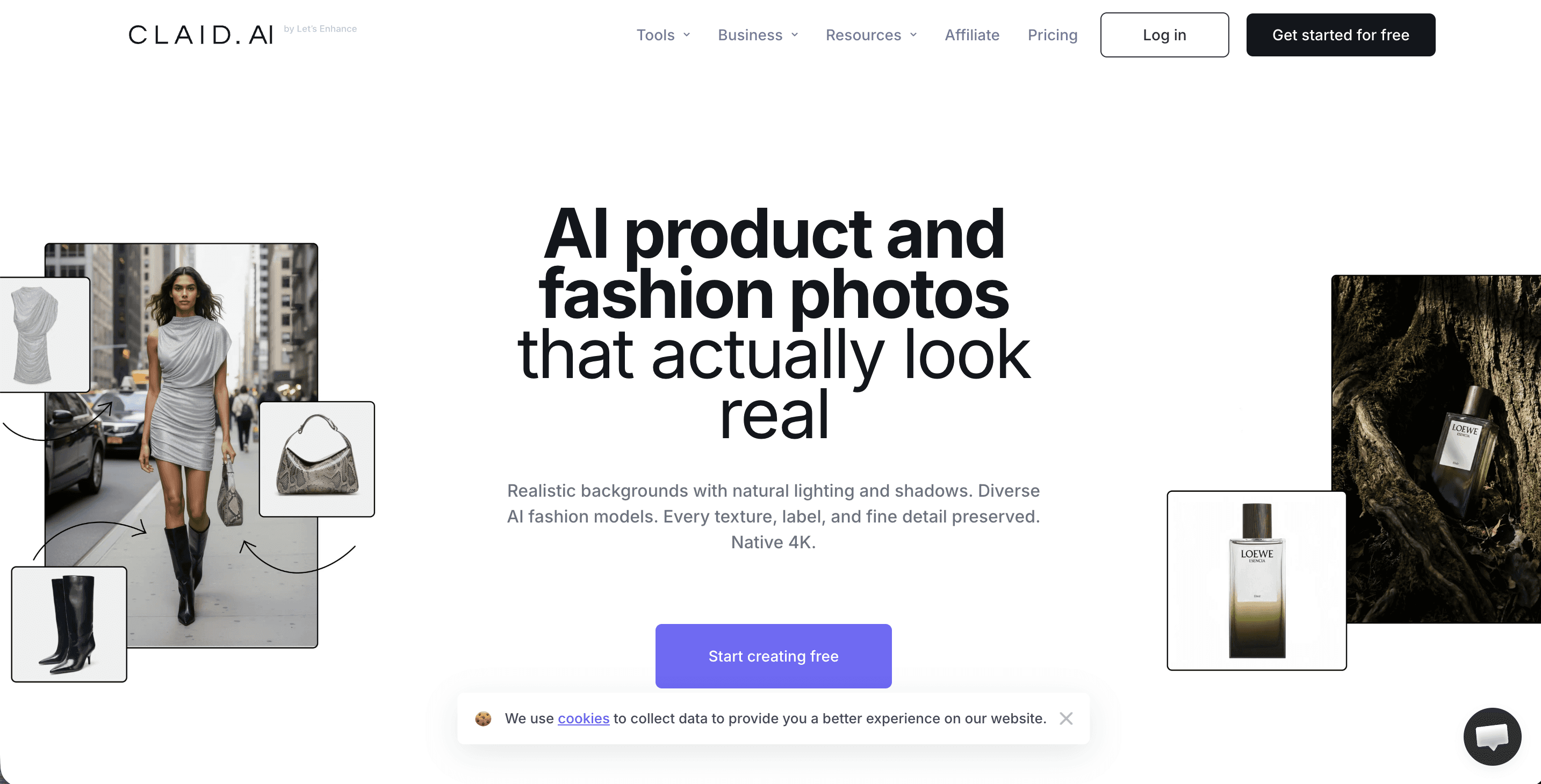
Claid.ai is a comprehensive AI product photography platform. It includes on-model fashion photography, AI backgrounds, retouching, upscaling, and API workflows. Claid AI reviews from ecommerce teams consistently highlight its breadth as the standout advantage.
What Claid.ai Does
AI Fashion Models: converts ghost mannequin or flat lay images into on-model shots with 100+ model options
AI Photoshoot for editorial and lifestyle image generation
Background removal and replacement
Image upscaling and enhancement
Retouching, canvas expansion, and artifact removal
API for batch processing thousands of SKUs at scale
Face swap and custom model upload for brand consistency
Who It Is Built For
Fashion ecommerce brands and marketplaces needing scalable image production. Zalando cut editorial production costs by 90% using AI photography - a benchmark for what is possible at scale. See the Adoreme case study for a fashion brand reference.
High-SKU brands with photoshoot bottlenecks
Teams wanting one platform to cover AI generation, editing, and retouching
Pricing
Claid.ai pricing is credit-based. 50 free credits on signup. Paid subscriptions start at $9/month. API pricing is usage-based by image operation and volume.
Limitations to Know
Best value when you systematize production at scale. Brands with fewer than 50 SKUs may find Caimera a faster starting point.
More prompting skill required for controlled outputs
Positioned as a broad tool, not a fashion specialist. Depth in any single category is narrower than dedicated fashion platforms.
Cons
Batch processing only available via API - no web app batch editing for non-technical users
Locked into a single proprietary model architecture; switching platforms later is costly
Higher learning curve due to credit-based system and prompt-dependent generation
Deeper API knowledge required to unlock full platform value - not ideal for lean marketing teams
Fashion-specific output (garment accuracy, model realism) is narrower than dedicated fashion-native tools
6. Photoroom - Best Mobile-First Product Image Editor
Category: General AI Product Photography
Photoroom is one of the most widely used mobile-first AI product photography apps. It makes professional product images accessible directly from a smartphone. Background removal, AI photo studio, shadows, and lifestyle scene generation are its core features. Photoroom reviews from small sellers consistently highlight how fast it is to go from raw photo to publish-ready image.
What Photoroom Does
One-tap background removal with high edge accuracy
AI Photo Studio: generates studio-quality backgrounds and settings from product shots
Product scene generation from simple inputs
Batch editing for processing multiple images at once
Resizing, padding, and formatting for different platforms
Retouching tools for quick product image cleanup
Who It Is Built For
Small brands and individual sellers who photograph products on their phones
Ecommerce sellers on marketplace platforms. See best AI tools for Shopify to compare options.
Fashion brands needing quick background changes and product cleanup without desktop software
Pricing
Photoroom pricing includes a free tier with Photoroom branding on outputs. Paid plans start at approximately $9.99/month. Business plans are available for higher volumes and API access.
Limitations to Know
Not designed for on-model fashion photography. Focused on product-first rather than lifestyle or editorial.
Output quality for complex products with transparent elements or fine details can vary
Mobile-first design means fewer controls than desktop-based alternatives for advanced users
Cons
Customer support described as a “black hole” by multiple reviewers - heavy reliance on bots with slow human escalation
Billing practices flagged by users: unexpected charges post-trial, cancellation difficulties, and features moved to higher tiers
App stability has declined over time - crashes and background quality drops after updates reported
Not designed for on-model fashion photography; unsuitable for apparel brands needing garment-on-model output
Mobile-first design limits precision controls for advanced or desktop-based workflows
7. Pebblely - Best for Lifestyle Backgrounds on Product Photos
Category: General AI Product Photography

Pebblely specializes in one thing: turning plain product photos into lifestyle images. You upload your product image, and Pebblely generates a contextually appropriate background. That could be a marble countertop, a beach setting, a holiday scene, or a minimalist studio setup. Pebblely reviews from ecommerce sellers highlight the speed of output and the quality of seasonal themes as standout features.
What Pebblely Does
40+ lifestyle background themes including seasonal, studio, outdoor, and interior
AI background generation from product image input
Automatic reflections and shadows for product realism
Batch processing for multiple product images at once
Custom background prompts for brand-specific settings
Background removal as a built-in first step
Who It Is Built For
Ecommerce brands wanting lifestyle product photography without location shoots. Pairs well with AI lookbook strategies for seasonal campaigns.
Food, beauty, and lifestyle product categories where background context matters
D2C brands wanting seasonal content without seasonal shoots
Pricing
Pebblely pricing starts from approximately $19/month. Free trial available.
Limitations to Know
Not designed for on-model fashion or clothing photography
Best for flat lay photography and simple product shapes. Less suited to complex or multi-component items.
Generated backgrounds sometimes show scale and perspective inconsistencies with the foreground product
Cons
Product development appears to have stalled - last significant update was mid-2024
Reference image uploads are unreliable - the tool sometimes ignores them entirely
No refund policy reported by users
Human model integration doesn’t work consistently
No support for on-model fashion photography; purpose-limited to product background generation
Limited batch editing compared to competitors; manual per-image workflow for most use cases
8. Adobe Firefly - Best for Creative AI Image Generation Within Creative Cloud
Category: General AI Product Photography
Adobe Firefly is Adobe’s generative AI system built into Photoshop, Illustrator, and Adobe Express. For brands and agencies already on Creative Cloud, it adds AI image generation, generative fill, background removal, and text-to-image capabilities without leaving Adobe’s ecosystem. Firefly reviews from creative teams highlight its deep Photoshop integration as the core advantage over standalone AI tools.
What Adobe Firefly Does
Text-to-image generation trained on licensed content for commercially safer outputs
Generative Fill: extend canvas, remove elements, or replace backgrounds within Photoshop
Generative Recolor in Illustrator for vector colorways
Background generation and removal integrated into Photoshop workflows
Style references for brand-consistent AI generation
Adobe Express integration for quick social and marketing content
Who It Is Built For
Creative teams already working in Adobe Creative Cloud
Brands needing AI generation as part of a broader design and retouching workflow
Agencies creating campaign imagery that requires complex retouching alongside AI generation
Pricing
Adobe Firefly pricing is included with Creative Cloud subscriptions. Standalone plans are available for non-CC users. A generative credits system applies for higher volume AI operations.
Limitations to Know
Not a dedicated ecommerce photography tool. No batch processing, marketplace optimization, or SKU management features.
Fashion-specific accuracy including garment fit and model diversity is not its primary design purpose
Generative fill is excellent for creative retouching but not for producing volume product photography efficiently. Read AI in fashion photography and marketing for a broader view of where specialist tools fit.
Cons
Product accuracy is unreliable - Generative Fill can shift colors, warp product text/logos, and alter textures
Prompt-following is inconsistent; achieving a specific result often requires multiple iterations
Generated outputs can look generic - multiple reviewers note the lack of fine detail and distinctive character
Not built for ecommerce catalog workflows - no batch processing, SKU management, or marketplace optimization
Creative Cloud subscription cost is high; credits system adds an additional consumption layer
Human figure generation produces frequent distortions, making it unsuitable for on-model fashion
9. SellerPic - Best for UGC-Style Visuals and Virtual Try-On
Category: General AI Product Photography

SellerPic started as a Shopify app and has expanded into a broader platform combining AI model photography, AI backgrounds, and a real-time virtual try-on feature for shoppers. It is positioned around social selling: content that works on product pages and social media.
What SellerPic Does
AI fashion model generation from product images
Virtual try-on for shoppers: they upload their photo to see the garment on themselves
AI backgrounds and lifestyle scene generation
UGC-style video creation from static images
Model swap across different demographics and body types
Scheduled content posting integration
Who It Is Built For
Shopify and DTC sellers wanting AI model photos plus shopper-facing try-on in one tool
Early-stage fashion brands testing market response without photoshoot investment. See how D2C brands scale faster with AI.
Brands focused on social commerce where UGC-style content outperforms studio photography
Pricing
SellerPic pricing starts with 20 free credits to test. Paid plans from approximately $29/month.
Limitations to Know
Garment wrapping and fit accuracy around model bodies can be inconsistent. Review outputs before publishing. See input image guidelines for the types of product images that produce the best results.
Model and background libraries are curated, which speeds up workflow but limits niche brand aesthetics
Better for social and UGC content than strict catalog consistency or high-SKU automation
Cons
Garment fit accuracy on models is inconsistent - images require review before publishing
Curated model and background library limits creative flexibility for brands with distinct aesthetics
Better positioned for social/UGC content than high-volume catalog production
Virtual try-on feature still has accuracy gaps for complex or structured garments
Less suitable for brands needing strict visual consistency across large SKU sets
10. Nightjar - Best for Catalog-Level Style Consistency
Category: General AI Product Photography
Nightjar focuses on a specific problem: maintaining a consistent photographic style across large product catalogs. It lets brands define a reusable photography style that applies consistently to new product images without a new shoot. Inconsistent photography is one of the most common reasons ecommerce brands underperform on marketplaces.
What Nightjar Does
AI photography style definition and reuse across entire catalogs
Consistent lighting, background, and composition applied at scale
Product image generation from simple inputs with defined style outputs
Designed for high-SKU ecommerce where catalog coherence is a business priority
Who It Is Built For
Mid-to-enterprise ecommerce brands managing large product catalogs
Retailers where visual consistency is critical for marketplace performance and brand trust
Teams that invest in defining brand photography standards and want to enforce them at scale
Pricing
Enterprise pricing. Not a self-serve credit-based tool. Requires onboarding for style definition and workflow setup.
Limitations to Know
Not suited for creative campaign or editorial photography. For editorial-quality AI imagery, see editorial image showcases.
Enterprise-first means a higher commitment to setup before you see returns
On-model capability is limited compared to dedicated fashion tools. Browse Caimera AI fashion models to see what fashion-native tooling delivers.
Cons
Enterprise pricing with a high onboarding commitment - not accessible for smaller or mid-market brands testing AI photography
Setup-heavy: requires significant investment in style definition before production begins
On-model fashion capability is limited; not a replacement for dedicated fashion photography tools
Not suited for editorial or campaign imagery - focused on catalog consistency only
No self-serve or trial option available publicly
11. Pixa - ( Formerly Pixelcut ) Best Free Entry Point for AI Product Photography - merge/delete this with pixel cut
Category: General AI Product Photography
Pixa offers AI product photography with a free tier that includes style selection and basic image generation. It is an accessible entry point for smaller brands or individual sellers who want to explore AI-generated product images without upfront cost. AI product photography cuts production costs by 80%+ for many ecommerce brands, making even free tools worth evaluating.
What Pixa Does
Free AI product photo generation from product images
Style selection from preset themes including studio, lifestyle, and outdoor
Background replacement and scene generation
Quick export for ecommerce platform uploads
Who It Is Built For
Small brands and individual sellers at the exploration stage of AI photography. Read 10 reasons to use AI images before choosing your tool.
Ecommerce startups with limited photography budgets
Pricing
Free tier available. Paid plans for higher volume and additional features.
Limitations to Know
Output quality and feature depth are limited compared to paid specialist tools
Not designed for fashion-specific on-model photography or high-volume catalog production
Cons
Output quality and feature depth are significantly behind paid specialist tools
Free tier limitations make consistent catalog production difficult without upgrading
Not designed for fashion on-model photography
Limited customization for brand-specific visual direction
12. Remove.bg - Best Specialist for Background Removal
Category: General AI Product Photography

Remove.bg is the most widely known tool specifically for background removal. It does one thing: removes backgrounds from images with high accuracy across products, people, and complex edge cases like hair and transparent materials. Remove.bg reviews consistently rate edge detection accuracy as its strongest attribute. It is a go-to first step in most product photography workflows.
What Remove.bg Does
Automatic background removal with high edge accuracy
Batch processing API for processing large image volumes
Integration with major ecommerce platforms and design tools
Preview and manual refinement of removal edges
Background addition with solid colors or custom images
Who It Is Built For
Any brand needing background removal at scale across fashion, general product, or lifestyle
Ecommerce teams preparing images for white background requirements on Amazon, Zalando, and similar platforms
Developers building background removal into existing tools or workflows via API
Pricing
Remove.bg pricing includes free previews for up to 50 images/month at low resolution. Paid plans for HD output. API pricing is based on volume and among the most cost-effective in this category.
Limitations to Know
Background removal only. Does not generate new images, models, or scenes.
Complex edge cases including sheer fabric and fine detail still occasionally require manual cleanup
Not a standalone product photography solution. Best used as one step in a broader workflow.
Cons
Background removal only - no image generation, model placement, or lifestyle scene creation
Complex edges (sheer fabric, fine hair, transparent materials) still occasionally require manual cleanup
Free tier outputs are low resolution; HD output requires a paid plan
Not a standalone solution - must be combined with other tools for a complete product photography workflow
13. Caspa AI - Best for Lifestyle Product Photography Without a Studio
Category: General AI Product Photography
Caspa AI generates lifestyle product photography from simple product images. The focus is on producing contextual, aspirational scenes that help products feel lived-in rather than staged. No location shoot or set design required. Lifestyle imagery drives 22-30% higher conversion rates than plain product shots.
What Caspa AI Does
AI lifestyle scene generation from product images
Background and environment customization through text prompts
Product placement into contextual settings including kitchen, bedroom, office, and outdoor
Shadow and lighting adjustment for product realism
Batch processing for multiple products
Who It Is Built For
Lifestyle, beauty, home goods, and accessory brands. See AI beauty shoot ideas for creative direction inspiration.
Brands wanting lifestyle photography at catalog scale without location costs
DTC brands needing fast content for social and email marketing
Pricing
Plans start from approximately $23/month. Free trial available.
Limitations to Know
Not designed for on-model fashion photography
Prompt-dependent output means consistency across a catalog requires careful workflow management
Product scale and perspective can look off in complex scenes without manual review
Cons
Prompt-dependent output means catalog consistency requires careful, repeatable workflow management
Product scale and perspective can look off in complex scenes without manual review
Not suitable for on-model fashion photography
Limited user reviews available; brand track record and long-term reliability harder to assess than established competitors
14. Magic Studio - Best All-in-One Creative Toolkit for Small Brands
Category: General AI Product Photography

Magic Studio bundles multiple AI creative tools into a single accessible platform. Background removal, AI photo generation, image enhancement, headshot generation, and avatar creation are all covered. It is broad rather than deep. Useful for brands that need a range of AI image capabilities without subscribing to multiple tools. See a wider view of AI image generation tools before deciding.
What Magic Studio Does
Background removal and replacement
AI product photo generation from simple inputs
Image enhancement and upscaling
Headshot and portrait generation
AI avatar and profile image creation
Text-to-image generation
Image editing and object removal
Who It Is Built For
Small brands and individual entrepreneurs needing a range of AI image capabilities in one place
Startups replacing multiple tool subscriptions with a single platform
Teams that need occasional AI-generated images across different use cases
Pricing
Magic Studio pricing includes a free tier. Paid plans for higher volume and advanced features.
Limitations to Know
Breadth over depth. Each individual feature is less capable than a single-purpose specialist tool.
Not designed for fashion-specific on-model photography or high-volume ecommerce catalog production
Output consistency across campaigns is harder to maintain than with purpose-built tools
Cons
Breadth over depth - each individual feature is less capable than a single-purpose specialist tool
Not designed for fashion on-model photography or high-volume ecommerce catalog production
Output consistency across campaigns is harder to maintain than with purpose-built tools
Better suited for occasional use across different creative needs than for systematic catalog production
How to Choose the Right AI Photography Tool
Start with the output you actually need. Then work backwards to the tool.
If you need on-model fashion photos for ecommerce
You need a fashion-specialist tool. Caimera.ai is built for this: product accuracy, model diversity, SKU consistency, and output quality designed for conversion. Botika.io works well for Shopify brands at smaller scale. Fashn.AI is a strong option if garment fit realism for virtual try-on is the priority.
If you need lifestyle backgrounds without a location shoot
Pebblely or Caspa AI cover this well. Both generate contextual backgrounds from product images at a fraction of the cost of location photography. See the AI background swap glossary entry to understand the technique before choosing a tool.
If you need background removal at scale
Remove.bg is the simplest and most reliable option. It is designed for exactly this, with solid API documentation for integration into larger workflows.
If you need a mobile-first solution for quick edits
Photoroom and Pixelcut are the most accessible tools in this category. Both work well for individual sellers and small brands managing photography from a phone.
If you need diverse AI model representation at enterprise scale
Lalaland.ai is purpose-built for this: broad body type, ethnicity, age, and size diversity, delivered at catalog scale via API. Browse Caimera AI fashion models to see what self-serve diversity looks like in practice.
If you are already in Adobe Creative Cloud
Adobe Firefly adds AI generation directly into Photoshop without adding another subscription. Best used as a complement to your existing retouching workflow rather than a standalone photography replacement.
If you need catalog-wide style consistency
Nightjar is the only tool in this list explicitly built to solve style consistency at scale. It is an enterprise tool with an enterprise price. For large catalogs where inconsistent photography is costing you credibility, the investment is justified. Read brand consistency with AI photography for a practical reference.
FAQs: AI Photography Tools
What is the best AI tool for on-model fashion photography?
Caimera.ai is built specifically for realistic on-model ecommerce photography. It converts flat lay or ghost mannequin images into on-model photos with a focus on product accuracy, model diversity, and SKU consistency. For Shopify-native workflows at smaller scale, Botika.io is a practical alternative. For garment fit realism in virtual try-on, Fashn.AI is worth evaluating.
Can AI replace traditional fashion photoshoots entirely?
For catalog and ecommerce photography, yes for many brands. AI tools like Caimera.ai are already producing the volume photography that previously required studio bookings, model agencies, and post-production teams. Where AI is not yet a full replacement is hero imagery for premium brand campaigns. Most successful brands use AI for catalog efficiency and traditional photography for flagship content.
How much does AI fashion photography cost compared to a real photoshoot?
A traditional fashion photoshoot with a model, photographer, stylist, studio, and post-production typically costs $3,000 to $15,000+ per day, producing 50 to 150 usable images. AI photography tools produce comparable output at 5 to 30% of that cost. Platforms like Caimera.ai report 70 to 95% cost reduction for brands that have replaced traditional catalog shoots.
Is AI-generated product photography good enough for Amazon and marketplace listings?
Yes. AI-generated white background product images meet Amazon’s technical requirements. For on-model imagery, quality from specialist fashion AI tools is sufficient for marketplace product pages. Background swap results work well for enhanced brand content. Outputs should be reviewed before publishing. AI tools produce draft-quality images that require QA, not fully automated final outputs.
What is ghost mannequin photography, and can AI do it?
Ghost mannequin photography involves shooting garments on mannequins, then removing the mannequin in post-production to show a 3D hollow garment shape. Caimera’s ghost mannequin feature produces this effect from flat product images, eliminating both the mannequin shoot and the Photoshop retouching workflow.
What is SKU consistency and why does it matter?
SKU consistency means maintaining identical photography standards across all products in your catalog: lighting, angle, composition, and background. Inconsistent photography creates a fragmented brand experience and reduces customer trust. AI tools that maintain consistent style settings across batch production solve a real problem for high-volume ecommerce brands.
Do I need to disclose that my product images are AI-generated?
Disclosure requirements vary by platform and geography. Amazon does not currently require AI disclosure for product images. Social media platforms have evolving guidelines. In the EU, there is regulatory movement toward AI content labeling. Read our full guide on AI imagery legal and ethical considerations for platform-by-platform guidance.
What is Photoroom best used for?
Photoroom is best used for mobile-first product image editing. Primarily background removal, quick studio backgrounds, and product cleanup from smartphone photos. It is an accessible entry point for sellers and small brands who photograph products themselves and need professional-looking images without design software or desktop tools.
What is Pebblely AI used for?
Pebblely adds lifestyle backgrounds to product photos. You upload a clean product image, and it generates contextually appropriate scenes across 40+ themes. Best for flat lay and product shots where background context adds purchase intent without requiring on-model photography.
Can AI fashion models represent different body types and sizes?
Yes. Tools like Caimera.ai and Lalaland.ai include diverse model libraries covering different body types, sizes, ethnicities, ages, and genders. Diversity using AI is one of the key advantages of synthetic photography over traditional casting.
What is Fashn.AI used for?
Fashn.AI is a virtual try-on platform that focuses on garment fit and drape accuracy. It places clothing onto models or customer-uploaded photos. Used for both brand-side product photography and customer-facing try-on experiences.
What is Claid.ai and who is it for?
Claid.ai is an all-in-one ecommerce image production suite. It covers AI on-model photography, background generation and removal, image upscaling, retouching, and API integration for large-scale catalog workflows. Best suited to fashion ecommerce brands and marketplaces that need a single platform covering multiple image production steps at scale.
What is Remove.bg used for in ecommerce?
Remove.bg is used for background removal. It produces clean, transparent-background product cutouts from any input image. Brands then add any background they need: white for marketplace compliance, lifestyle for editorial content, or seasonal for campaigns.
Final Word
AI photography tools are not a single category. They cover on-model fashion imagery, background replacement, image enhancement, catalog consistency, and mobile editing. The best tool depends entirely on what problem you are actually solving.
If you are a fashion brand needing realistic on-model ecommerce photography at catalog scale, Caimera.ai is the most complete specialist tool available. Built for fashion, designed for ecommerce, and focused on quality and consistency that directly affects conversion. See real brand results.
For general product photography needs, the general tools in this list each have specific strengths worth matching to your workflow.
The brands winning in ecommerce photography right now are not the ones spending more. They are the ones who figured out which AI tools match their production needs and started using them. Try Caimera.ai.